Page 34
LPX SEED TREATER
LPX MANUAL TREATER HMI TOUCH SCREENS
The following pages explain the function of the touch screen controls for the
USC - Manual - Treater Ver 2.1 program.
For the LPX Automated Treater, see document number:
TD-09-06-1041B = U-Treat v3.2 Automation.
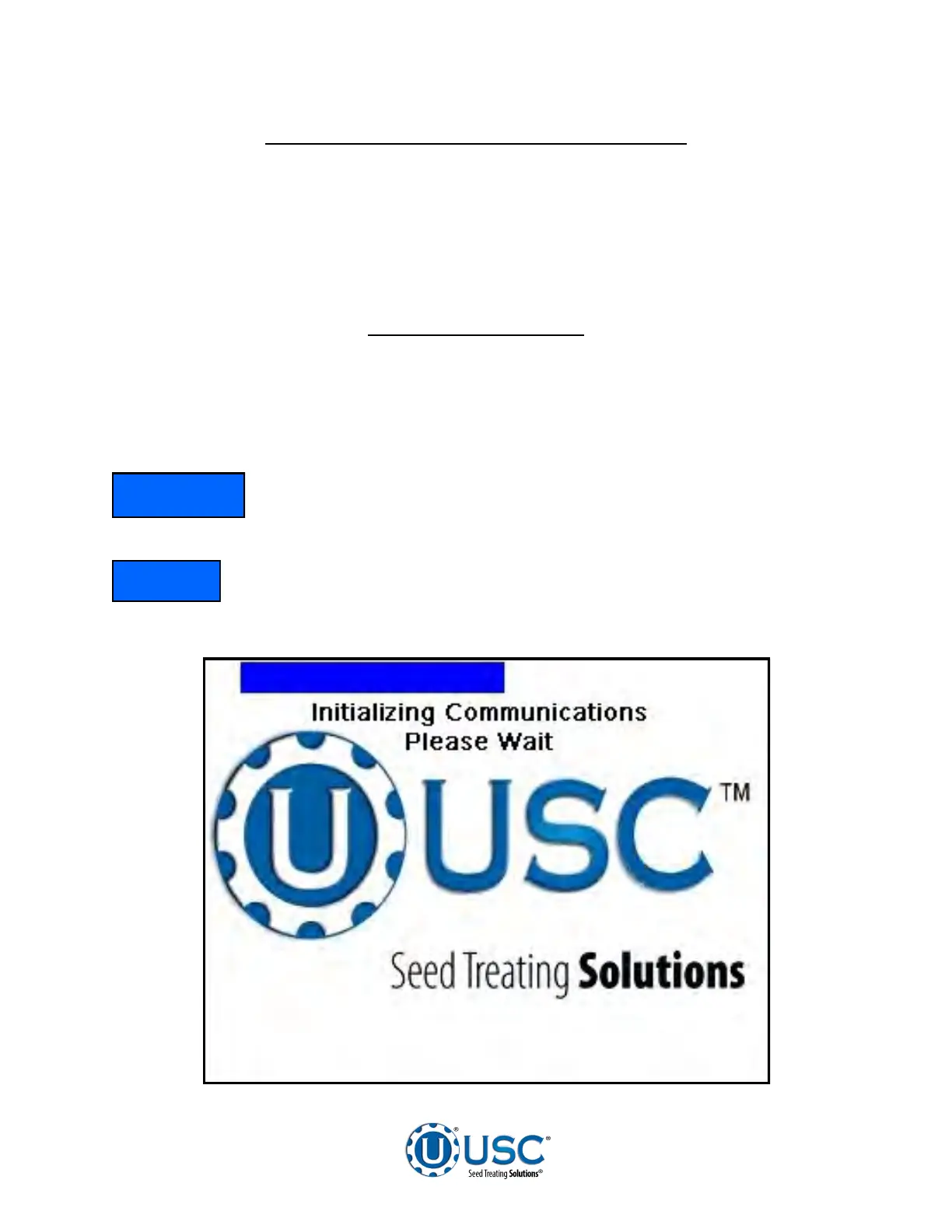
While the system is booting up, the treater touch screen will display a timer. Once the
timer reaches zero, this screen is the first screen the operator will see. When the blue
bar reaches the other side and communications is established the Main Screen will
appear.
The E-Stop Reset push button must be pressed after every power
cycle and every time the E-Stop is activated or the system will not
operate.
Le bouton-poussoir de réinitialisation E-Stop doit être enfoncée après
chaque cycle de puissance et chaque fois que le E-Stop est activé ou
le système ne fonctionnera pas.
USC STARTUP SCREEN
NOTICE
AVIS


 To Next Page