USR-N580 User Manual technical support:h.usriot.com
Jinan USR IOT Technology Limited
10
www.usriot.com
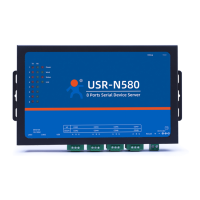
USR-N580 has two Ethernet ports that can be used to cascade other devices like a switch.
2.3.3 Power Supply
Connect the power adaptor with the N580’s power input. If the power is properly supplied, the “Power” LED
will show a solid red color and the “Work” LED will show a twinkling green color.
3. Utility Configuration
3.1 Download the Utility
Be sure you have administrative privileges and disable any firewall/anti-virus software when installing
software.
Configuration utility download address:
3.2 Starting the Configuration Utility
3.2.1 Discovering Your Device Server
USR-N580 defaults to a static IP address 192.168.0.7, you can set the computer to a static IP address that in
the same network segment with N580, like 192.168.1.201. Then directly connect the Ethernet port of N580 to
the computer via a Ethernet cable.


 To Next Page