6
6.2.4 Setting feedwater hardness and number of people
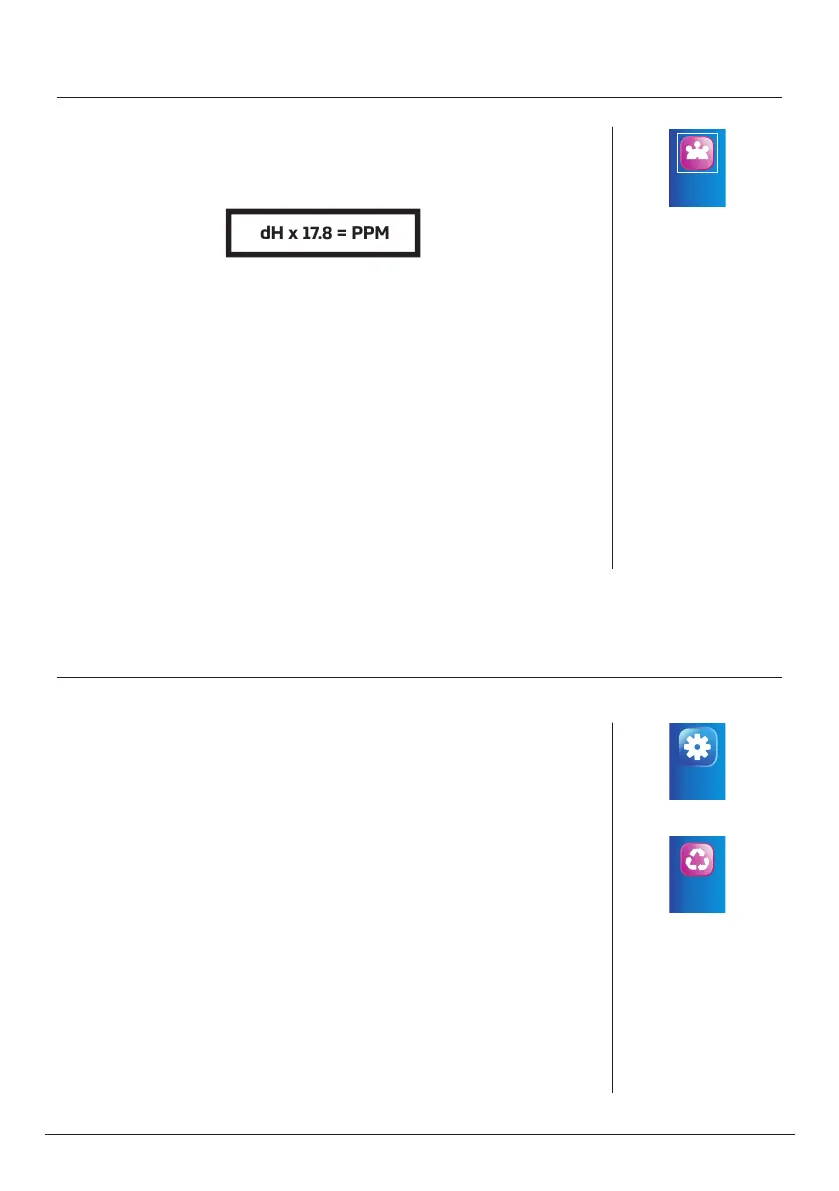
After checking the water hardness using a droplet tester, convert it from
the German degrees of hardness (dH) into ppm using the following
formula:
dH x 17.8 = PPM
Hardness
People Number
n Press the MENU button
n Select HARDNESS&PEOPLE using the UP/DOWN buttons
n Confirm by pressing the SET/REGEN button
n Select WATER HARDNESS using the UP/DOWN buttons
n Confirm by pressing the SET/REGEN button
n Set feedwater hardness by setting every following digit using
the UP/DOWN buttons
n Confirm by pressing the SET/REGEN button
n Press the MENU button
n Select PEOPLE NUMBER using the UP/DOWN buttons
n Confirm by pressing the SET/REGEN button
n Press the SET/REGEN button, to activate selected digit
n Set number of people using the UP/DOWN buttons
n Confirm by pressing the SET/REGEN button
n Press the MENU button twice
Settings
Regeneration
mode
6.2.5 Setting regeneration mode
Futura can operate in the following regeneration modes:
Calendar clock - controller will start regeneration after a specified number
of days
Meter immediate - controller will start regeneration immediately, treating
specified amount of water
Meter delayed – controller will start regeneration after treating specified
amount of water
Meter override (recommended) - controller will start regeneration at a
specified time, after treating specified amount of water.
n Press the MENU button
n Select ADVANCED SETTINGS using the UP/DOWN buttons
n Confirm by pressing the SET/REGEN button
n Select MANUAL SETTINGS using the UP/DOWN buttons
n Press and hold the SET/REGEN button
n Select REGENERATION MODE using the UP/DOWN buttons
n Confirm by pressing the SET/REGEN button



 To Next Page