Operation Panel
6-88
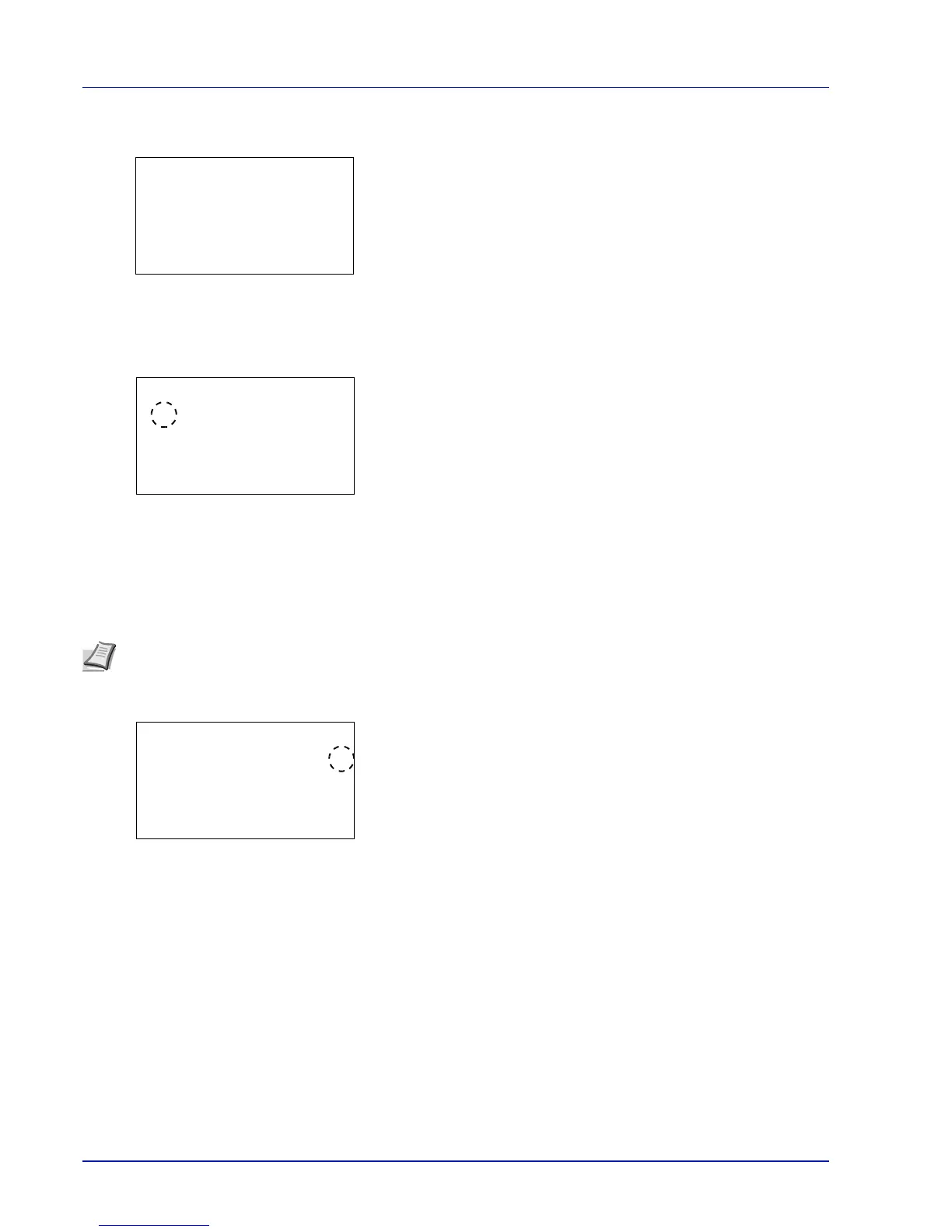
1 In the SSL Setting menu, press or to select SSL.
2 Press [OK]. The SSL menu screen appears.
Off/On (SSL operation setting)
Select whether or not to use the SSL server. The default setting is Off.
1 In the SSL menu, press or to select Off/On.
2 Press [OK]. The Off/On screen appears.
3 Press or to select whether to use the SSL server.
4 Press [OK]. The SSL server setting is set and the SSL menu
reappears.
Encryption (Encryption setting)
Select the encryption method used on the SSL server.
1 In the SSL menu, press or to select Encryption.
2 Press [OK]. The Encryption screen appears.
3 Press or to move the cursor to the encryption method to be used
and then press [OK].
The options available in Encryption are as follows:
• AES (SSL Server AES setting)
AES (Advanced Encryption Standard) was
developed to replace DES as the standard
encryption as the safety of DES has declined. AES
is a block encryption system that uses 128-bit
blocks and an SPN structure (a typical structure for
repeated encryption) with three selectable key
lengths of 128, 192 and 256 bits.



 To Next Page