Troubleshooting
8-4
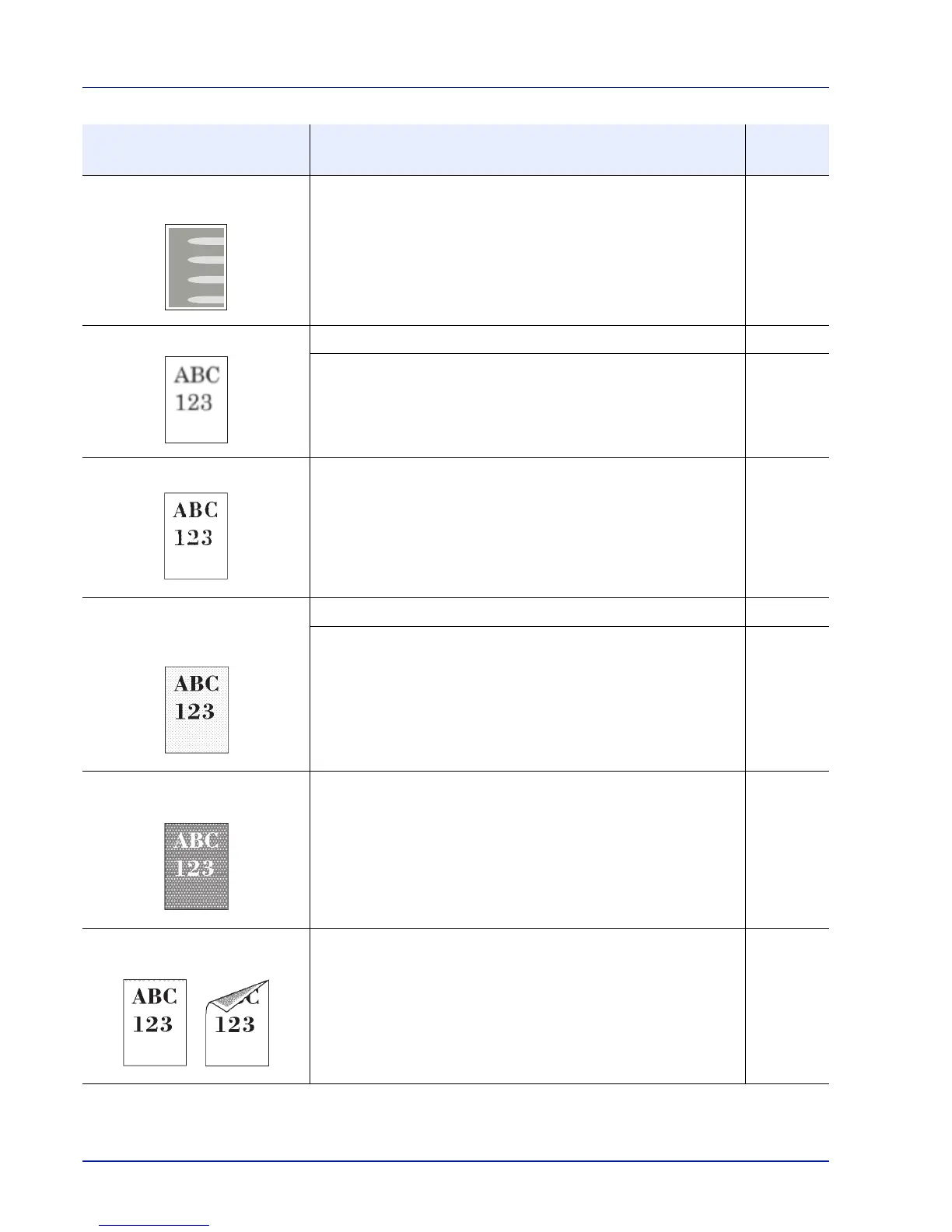
Part of the image is periodically
faint or shows white lines.
Run [Drum Refresh]. 6-128
Printouts are fuzzy. Use in an environment that has suitable humidity. x
Run [Drum Refresh]. 6-128
Texts are not clearly printed. Select appropriate image quality. 3-3
Printouts are too dark even
though the background of the
scanned original is white.
Select appropriate density level. —
Run [ColorCalibration]. 6-120
White dots appear on the
image.
Run [ColorCalibration]. 6-120
Dirt on the top edge or back of
the paper.
Open the right cover. If the machine interior is dirty with toner, clean
it using soft, dry, lint-free cloth.
7-15
Printed Results Corrective Action
Reference
Page



 To Next Page