Troubleshooting
8-50
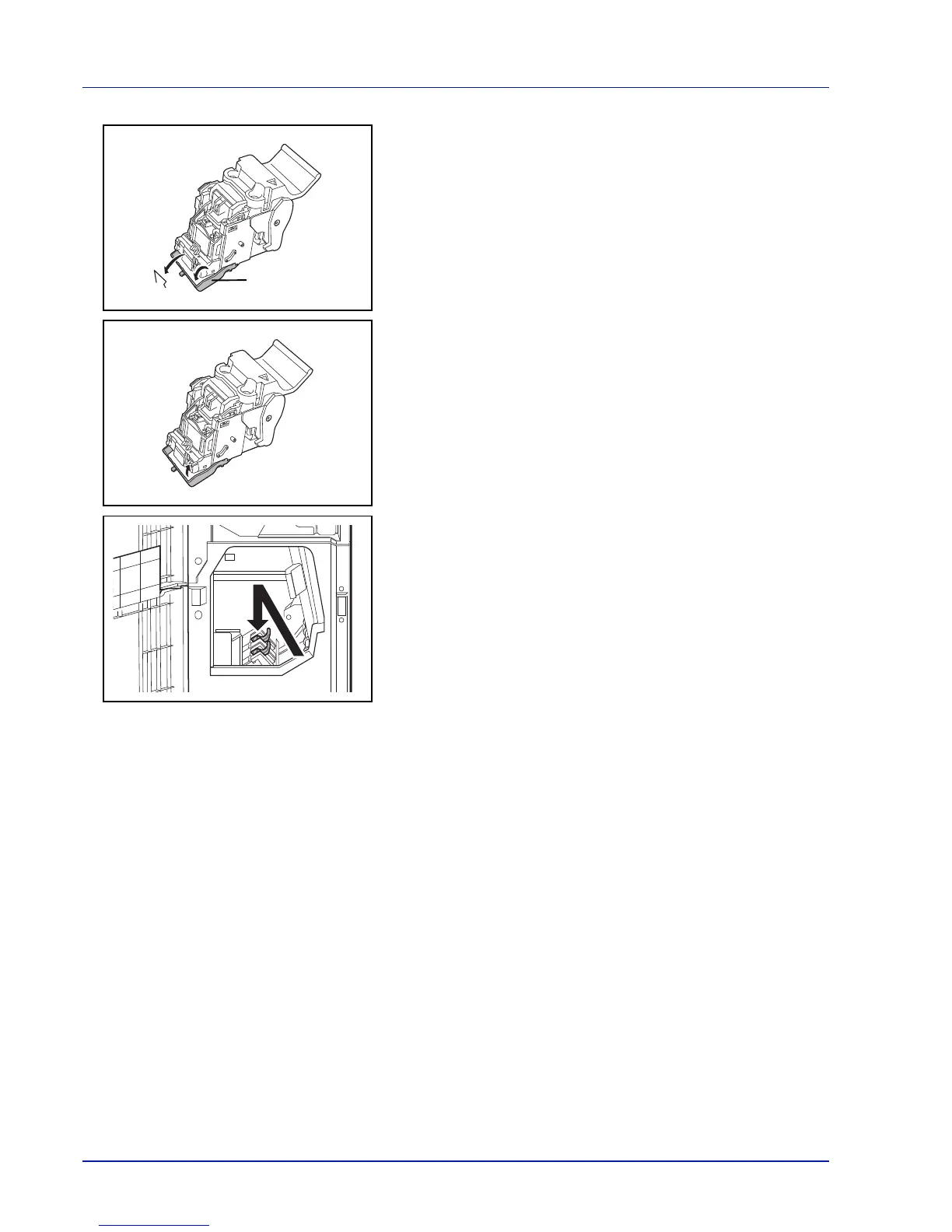
3 Open the cover plate (B) of the staple cartridge holder and remove
any jammed staples.
4 Close the cover (B) plate of the staple cartridge holder into its original
position.
5 Re-install the staple cartridge holder.
When re-installing, align the triangle marks on the staple cartridge
holder and the staple unit. The staple cartridge holder will click into
place when it has been inserted correctly.
6 Close the front cover 1 and 2.



 To Next Page