13
Troubleshooting
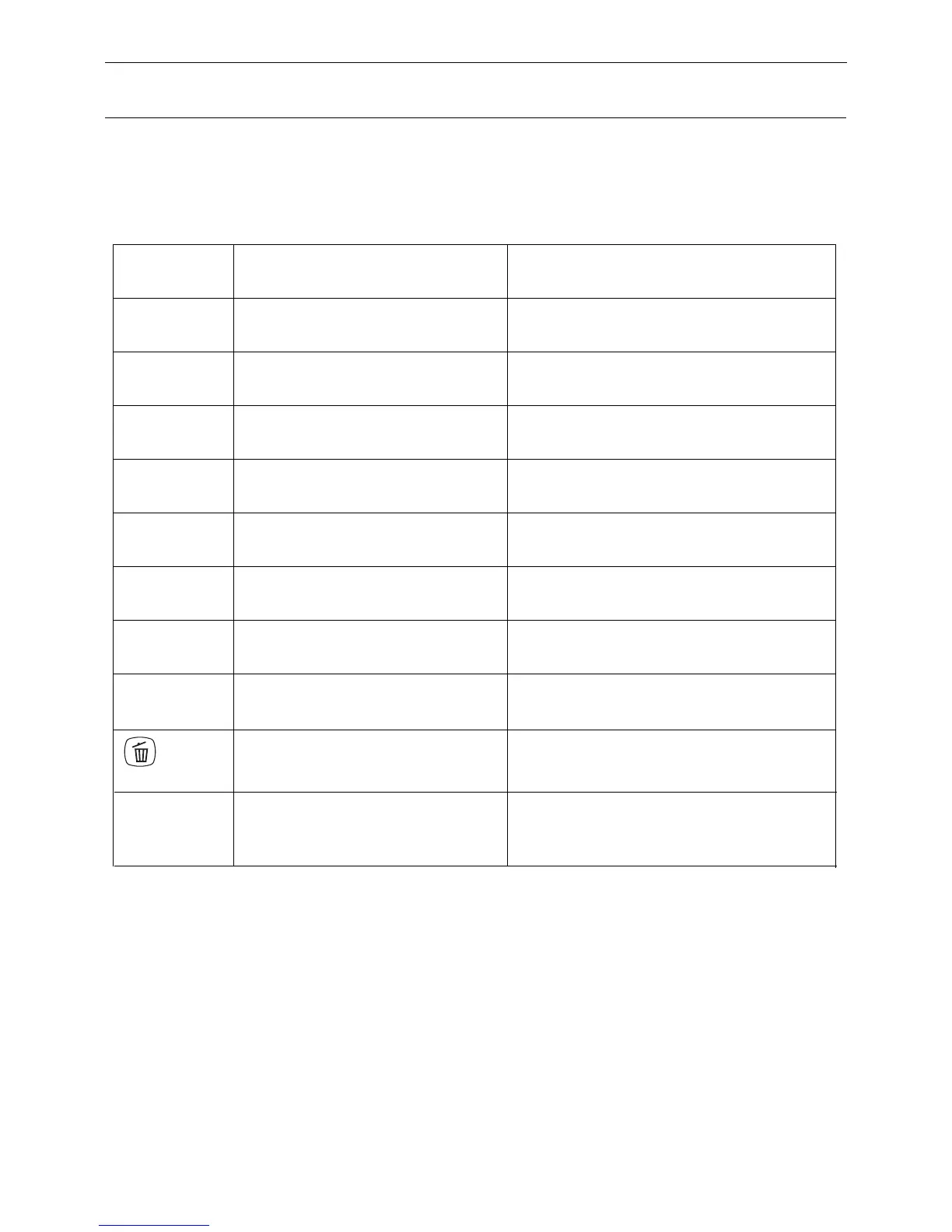
1. Error code sheet
When the robot meets with some routine troubles, it will remind you by tone
and error code will show on the display panel.
E01
E02
E04
E05
E06
E07
E08
E09
and !
flash
E10
Error Code Cause Solution
Note: If all above solutions don’t work, please take below actions:
1. Re-set the robot by re-turning on the power switch on the bottom side;
2. If re-set action doesn’t work, please send the robot to seller for repairing.
Check left wheel
Check right wheel
Re-place the robot on the floor
Clean cliff sensors first, if still no
work, send to seller for repairing
Check bumper’s sensitivity or
foreign matter
Check left brush
Check right brush
Move main body and start again
Clean dust bin and suck passage
Turn on the power switch
Left wheel no work
Right wheel no work
Main body is picked up
Cliff sensor failure
Bumper sensor failure
Left brush no work
Right brush no work
Main body gets stuck
Dust bin full or
suck passage blocked
Power switch is off


 To Next Page