9.3 Using Schedule Script Generator
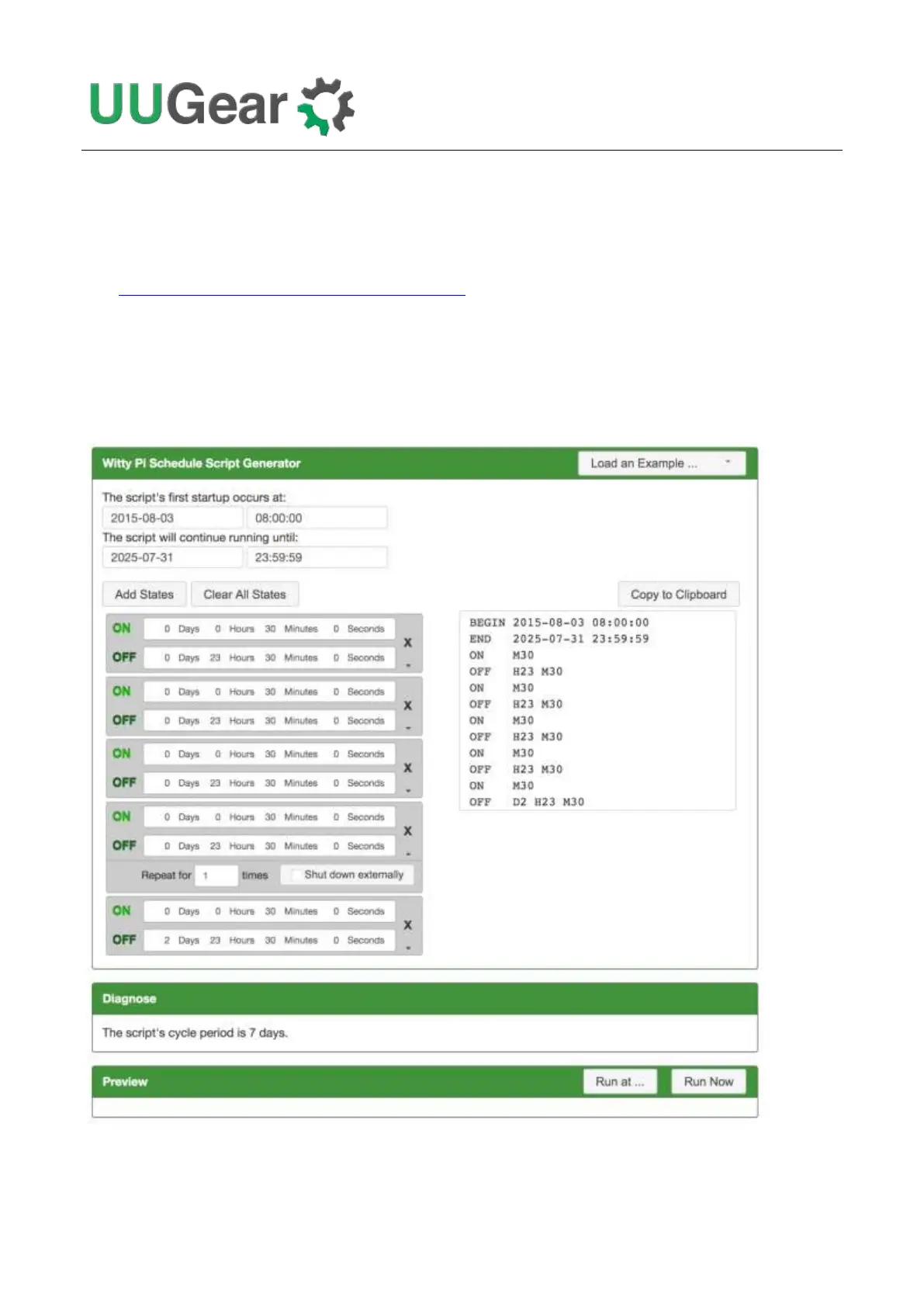
You can also use our web application to create your schedule script. Just simply open this URL in
your web browser:
https://www.uugear.com/app/wittypi-scriptgen/
This web application allows you to visually create the schedule script, and it immediately generate
the final code on the right.
You can also click the “Run Now” button to preview how the schedule script will work. Alternatively,
you can click the “Run at…” button and specify the moment to run the script.



 To Next Page