9.4 Advanced Usage of Schedule Script
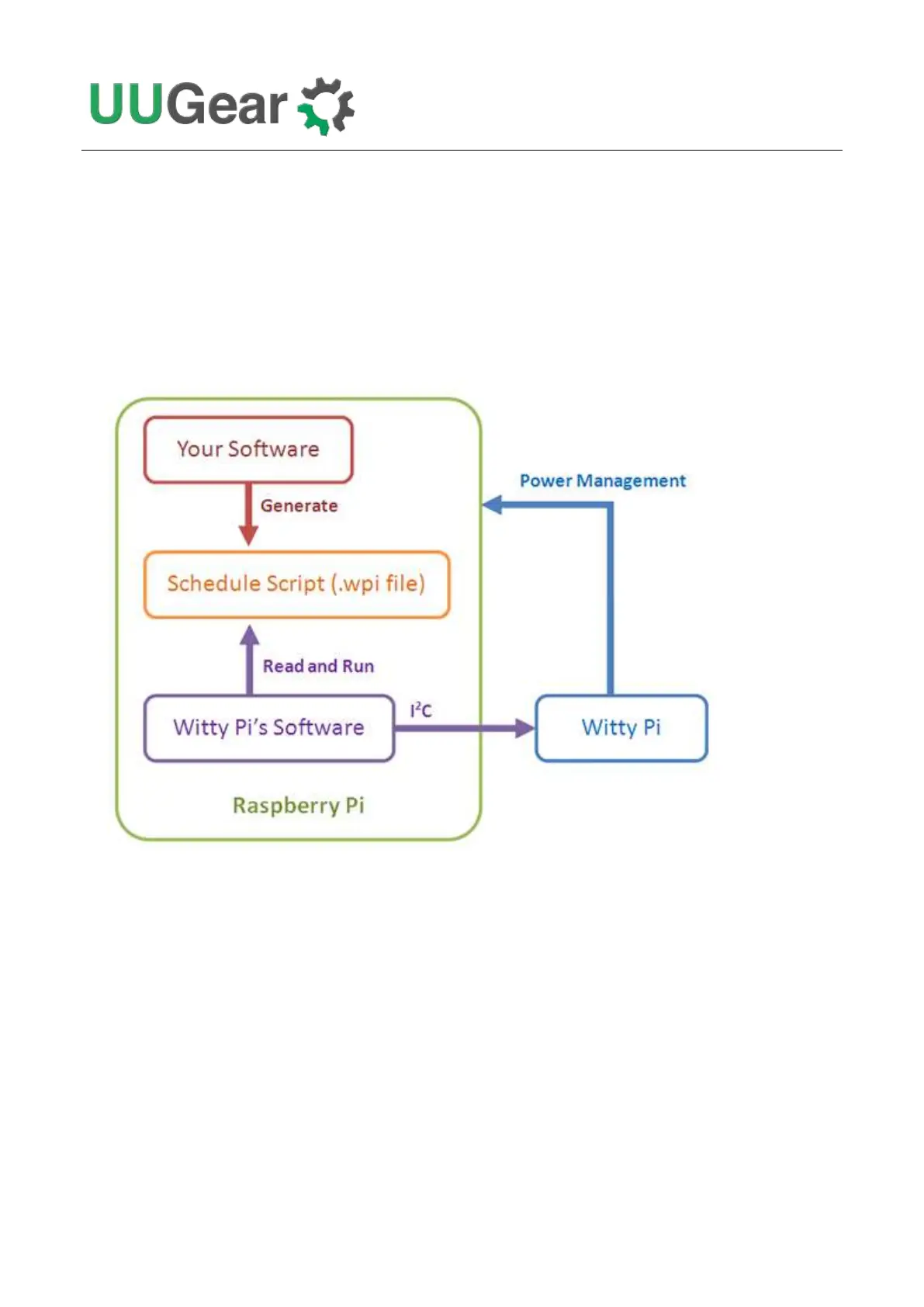
Besides choosing the schedule script from wittyPi.sh, you can also use schedule script without the
help from wittyPi.sh. Just copy the schedule script file to “~/wittypi/schedule.wpi” and then run
“./runScript.sh” in the “~/wittypi” directory, the script will start to work. This allows you to use schedule
script as an interface, to integrate other tools with Witty Pi together. For example, you can create
your own tool to visually create a schedule script, or remotely generate the schedule script via a web
interface.



 To Next Page