EasyManua.ls Logo

UUGear Witty Pi 4 - What GPIO Pins Are Used by Witty Pi4

Default Icon
53 pages
Print Icon
To Next Page IconTo Next Page
To Previous Page IconTo Previous Page
Loading...
44
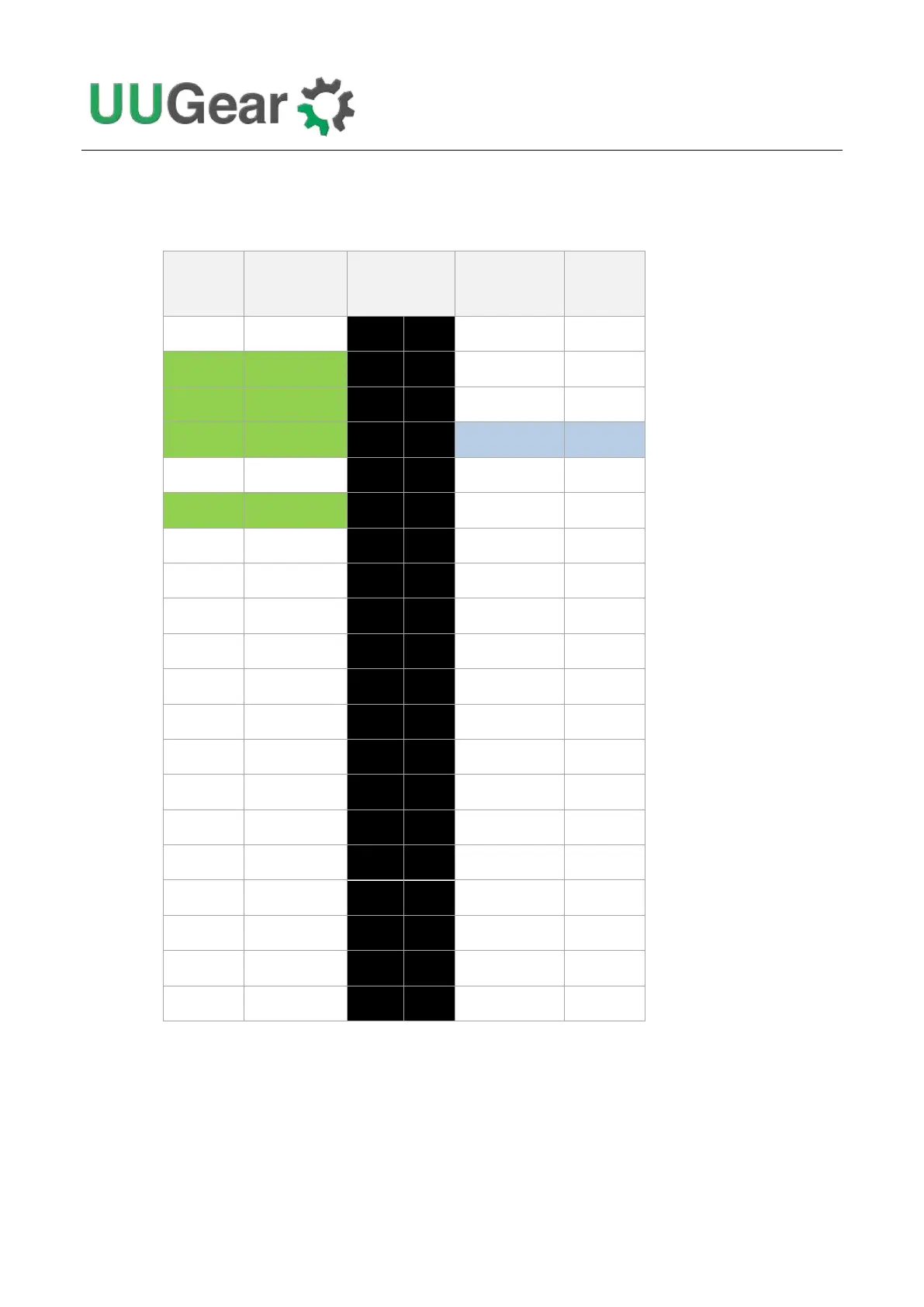
15.3 What GPIO Pins Are Used by Witty Pi4?
The GPIO pins used by Witty Pi 4 are marked with green color in the table below.
GPIO
(BCM)
Name
Physical
Name
GPIO
(BCM)
3.3V
1
2
5V
2
SDA 1
3
4
5V
3
SCL 1
5
6
GND
4
GPIO 7
7
8
TXD
14
GND
9
10
RXD
15
17
GPIO 0
11
12
GPIO 1
18
27
GPIO 2
13
14
GND
22
GPIO 3
15
16
GPIO 4
23
3.3V
17
18
GPIO 5
24
10
MOSI
19
20
GND
9
MISO
21
22
GPIO 6
25
11
SCLK
23
24
CE0
8
GND
25
26
CE1
7
0
SDA 0
27
28
SCL 0
1
5
GPIO 21
29
30
GND
6
GPIO 22
31
32
GPIO 26
12
13
GPIO 23
33
34
GND
19
GPIO 24
35
36
GPIO 27
16
26
GPIO 25
37
38
GPIO 28
20
GND
39
40
GPIO 29
21
As you can see, Witty Pi 4 uses GPIO-4, GPIO-17, GPIO-2(SDA 1) and GPIO-3(SCL 1).
Witty Pi 4 doesn’t actually use the TXD pin, but it will monitor its voltage. The TXD pin is supposed to
be HIGH when the system is on, and should go LOW after system has been shut down. If you
connect some other devices that also use the TXD pin, please make sure they don’t change this
default behavior, otherwise Witty Pi 4 doesn’t know when the system is off, and cannot fully cut the
power.

Table of Contents