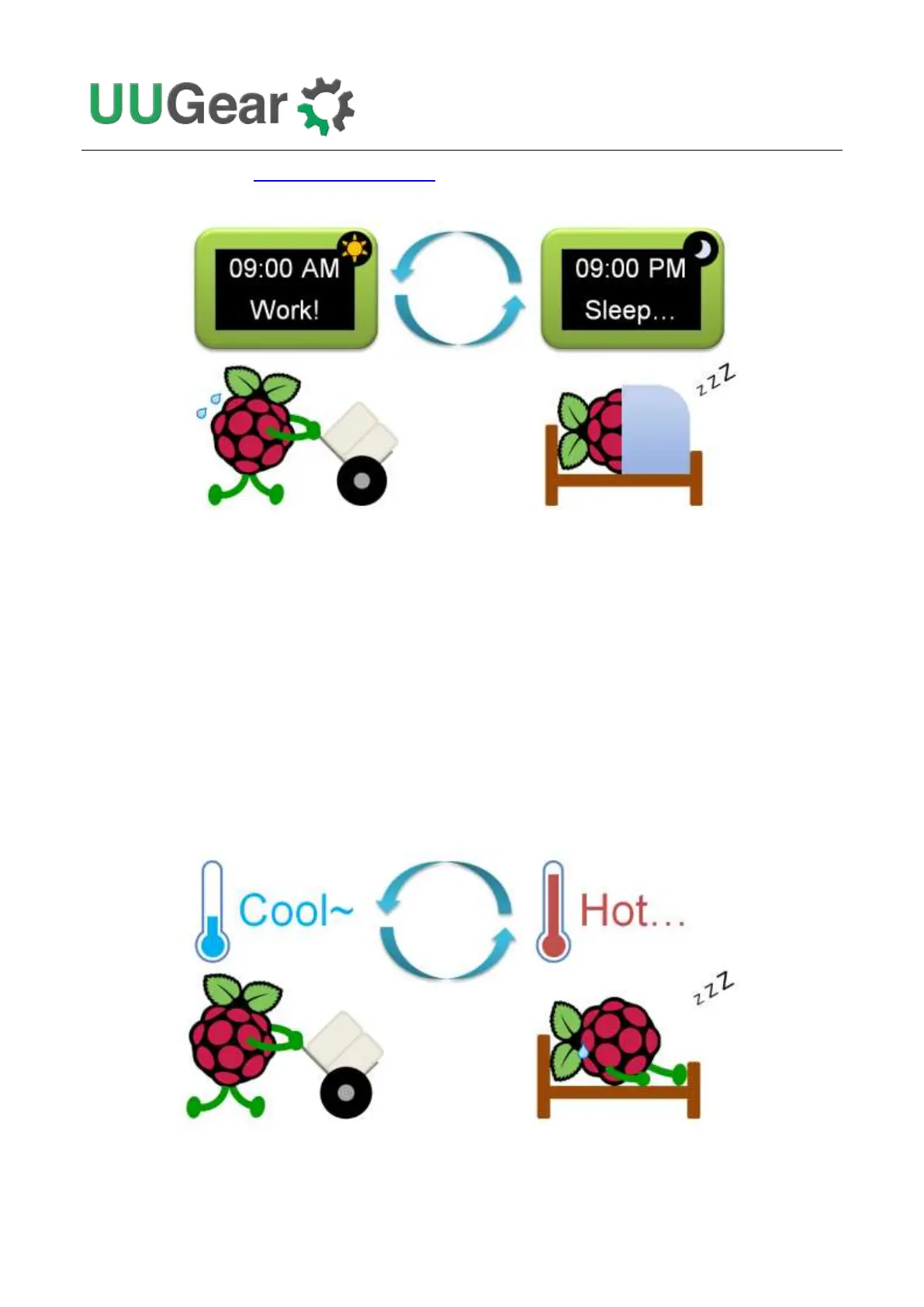
device. You can even define a schedule script to schedule complicated ON/OFF sequence for your
Raspberry Pi.
Scheduling the ON/OFF sequence for Raspberry Pi is the most popular feature of Witty Pi, and it is
extremely useful for systems that powered by battery. By only turning on Raspberry Pi when
necessary, the battery can work much longer with Witty Pi installed.
1.2 Temperature Controlled Device
The temperature sensor on Witty Pi 4 has 0.125 °C resolution. The temperature data is used for
compensating the crystal and make the RTC more accurate.
You can also specific the action (startup or shutdown) when temperature goes above or below the
preset threshold. Which means you can also make your Raspberry Pi a temperature-controlled
device.



 To Next Page