Please notice that your Raspberry Pi is powered by the voltage between VOUT and CATHODE.
The GND in this header is the ground for Witty Pi 4, but not the ground for Raspberry Pi.
If there is another device need to get powered (by 5V) with Raspberry Pi together, you can connect it
to this VOUT and CATHODE pins.
3V3
It is 3.3V voltage on Witty Pi 4 board that powers the micro controller, RTC and temperature sensor.
It has nothing to do with the 3.3V pin in Raspberry Pi’s GPIO header.
LED
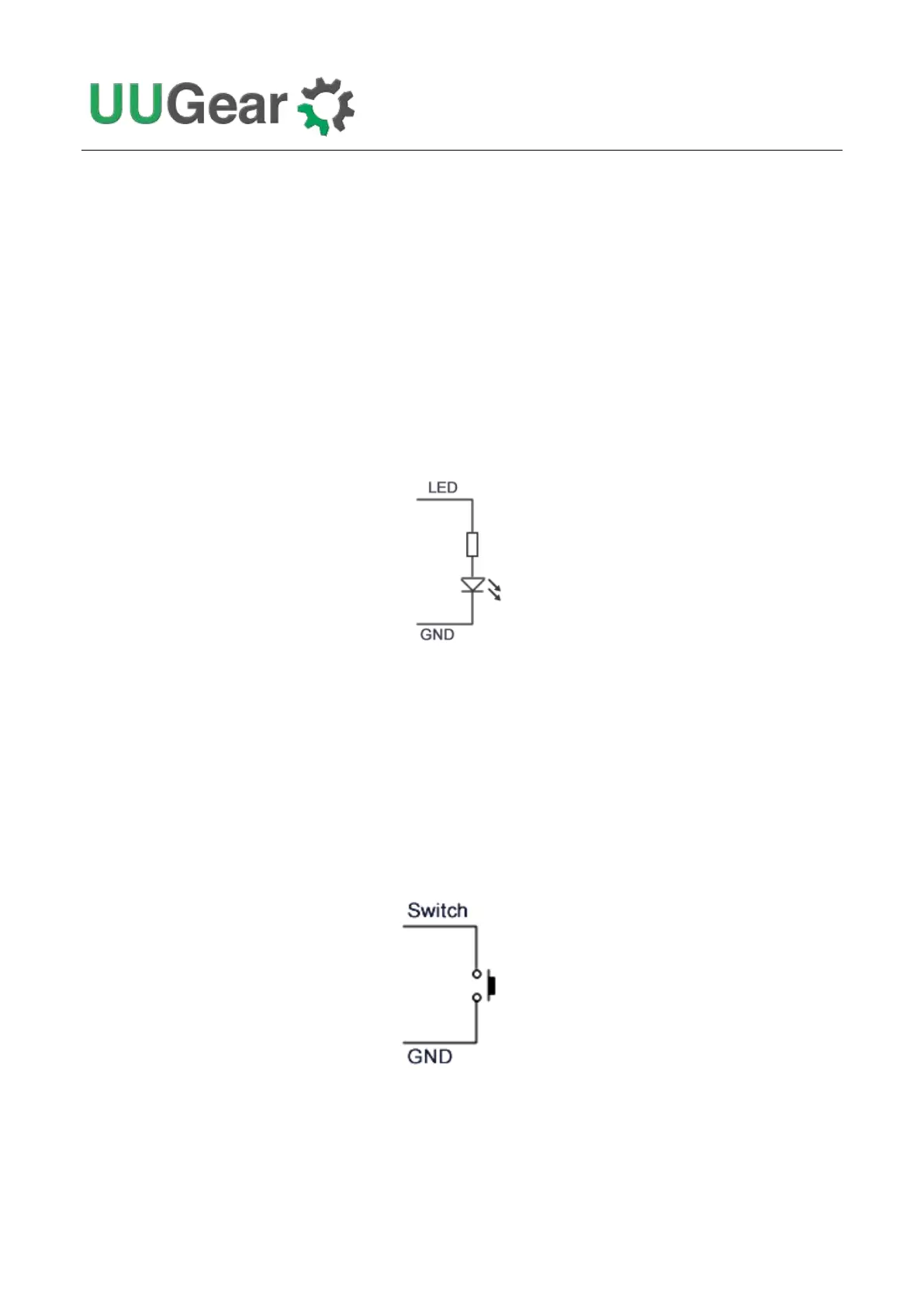
It is connected to the anode of the white LED. You can use this pin to connect your own LED, but
don’t forget to put a 1K resistor in serial to limit the current.
ALM / ALARM
It is the interrupt signal that generated by the RTC alarm. It is in 3.3V level and has HIGH state (3.3V)
by default. If any alarm occurs (scheduled startup or shutdown), it goes to LOW state (0V), and this
state will be cleared once Witty Pi 4’s software detects and processes it.
SW / SWITCH
It is the signal line that connects to the switch (button) on Witty Pi 4. It is also directly connected to
GPIO-4 in Raspberry Pi’s GPIO header. If you want to connect your own (2-lead) switch, you may
wire the two leads to SWITCH/GPIO-4 and GND pins.
Alternatively, if you wish to trigger Witty Pi 4 with external signal, you can use a N-channel MOSFET
to achieve this:



 To Next Page