shows Auto
- For manual sending, press TARE when display shows
P_Out
- Disable Serial output, press TARE when display
shows OFF
f. After TARE is pressed, indicator display F8
g. Press MODE to enter next set up or ON/ZERO to restart
the scale
4.2.6. Select Printer Output Mode
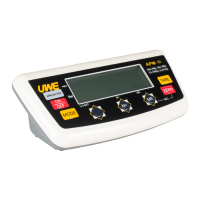
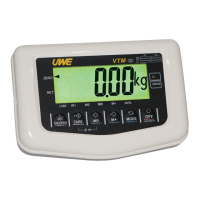
There are three selectable printout formats to choose
according to end user preference. Prnt.1 will only print
the stabled weight detects when press M+ and Prnt.2 will
print in table form when press M+.
Choose utP will employ UTP thermal printer protocol.
a. Scale is off
b. Press and hold TARE, then press ON/ZERO
c. Scale displays F1
d. Press TARE seven times to F8
e. Press MODE to shift between Prnt.1, Prnt.2 or utP
- For simple printout result, press TARE when
display shows Prnt.1
- For detail printout result, press TARE when
display shows Prnt.2



 To Next Page