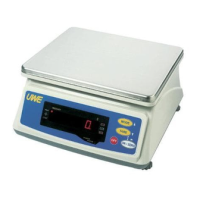
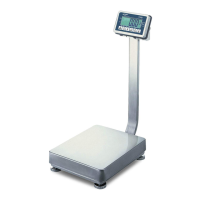
d. Press TARE five times
e. Scale displays F.7
f. Press MODE to select transmission mode of trAn1 or
trAn2
g. When the preferred data transmission mode shows on
display, press ON/ZERO to confirm and restart the
scale or TARE for next function setup
NOTE:
¡trAn1¡¨ is to transmit data continuously after reading
is stabled
¡trAn2¡¨ is to transmit single data only fter reading
is stabled. However, scale will not send any data if
weight detected is less than the minimum load.
4.2.5 Select Auto Tare Function
This scale is equipped with auto tare function which
tares off the initial weight automatically when this
function is engaged. The tare weight is automatically
cleared when everything is removed from platter.
a. Scale is off
b. Press and hold TARE, then press ON/ZERO
c. Scale displays F.1
d. Press TARE six times
e. Scale displays F.9
f. Press MODE to select between Tr._on or Tr.oFF
-To enable Auto Tare Function, press TARE when Tr._on
appears
-To disable Auto Tare Function, press TARE when
Tr.oFF appears
g. Press ON/ZERO to confirm and restart the scale or
TARE for next function setup



 To Next Page