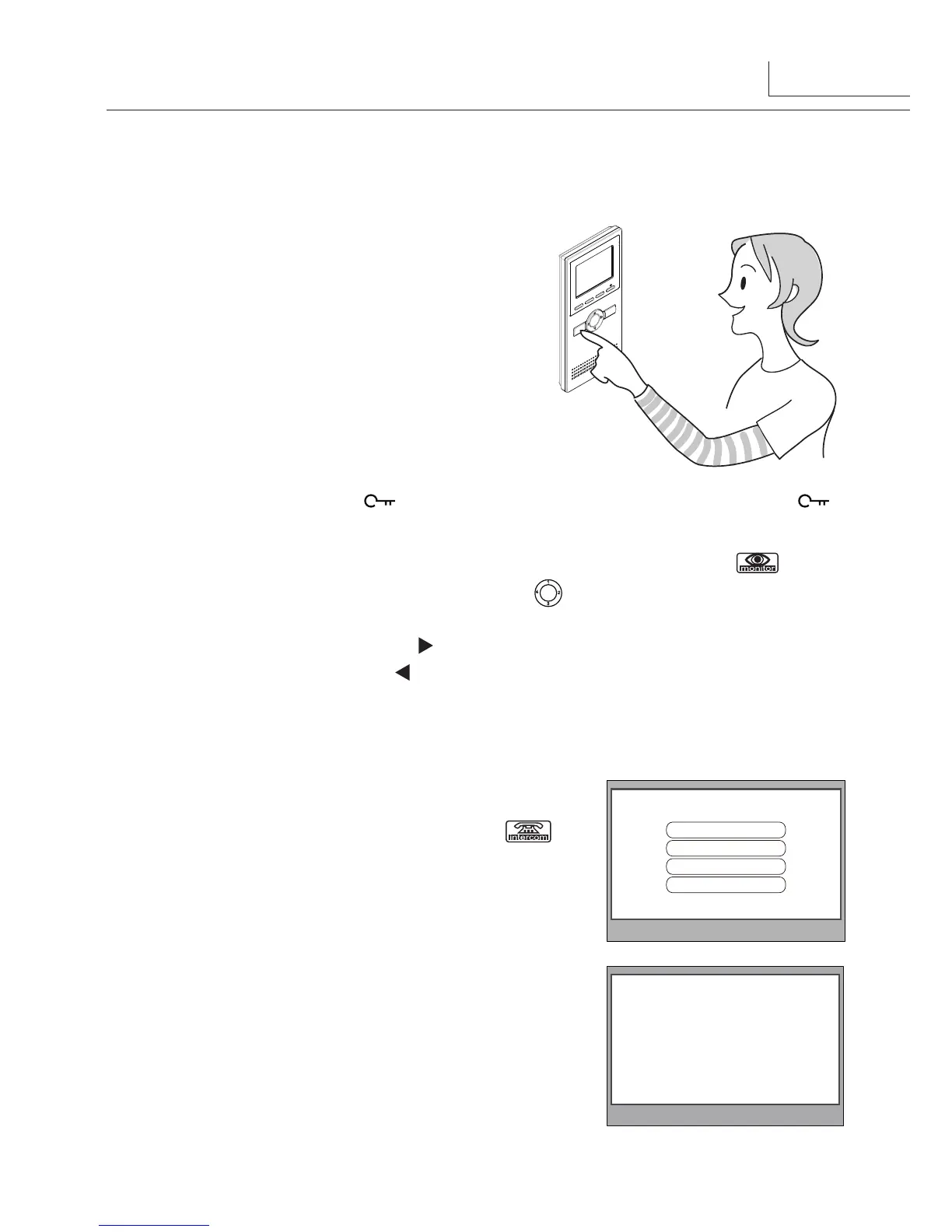
3. Basic Door Release Operation
4.Intercom Function
1.● Press●CALL●button● on● outdoor● station
,● the●
Monitor●rings,●at●the●same●time,●the●screen●
displays●the●visitor●image.
2.● Press●TALK● Button●on●monitor,●
you●can●
communicate●hands●free●with●the●visitor●for●90●
seconds.After●finishing●communication,press●
"TALK"●button●again●to●end●the●communication
.●If●
nobody●answers●the●phone,●the●screen●will●be●
turned●off●automatically●after●40●seconds.●
3.● During●talking●state,●Press● ●UNLOCK●Button●to●release●the●first●door,press● 2●
button●to●release●the●second●door.
4.● When●the●monitor●is●in●standby●mode,●press●MONITOR●Button(or●select● item●on●
main●menu●page),●The●screen●will●show●the●icon●●
1
2
3
4
●,●if●multi●door●stations●are●installed.
press ▲●button●to●choose●the●first●camera,the●screen●will●display●the●image●from●●the●
first●door●camera.Similarly,●Press ●button●to●choose●the●second●one,Press ▼●button●
to●choose●the●third●one,●Press●●
button●to●choose●the●fourth●one.●●●
Press"MONITOR"●
button●again●to●end●monitoring.
When●the●monitor●is●in●standby●mode,●press●CALL●
Button●to●enter●Intercom●Function●page(or●select●
item●on●main●menu●page).●Use●●● ▲●●/● ▼●Button●to●
move●upward●/●downward●to●select●the●item●you●want,●
press●MENU●Button●to●enter.●
Intercom Function
Intercom Call
Inner Call
Direct Dial Guard Unit
Exit
2
- Name List -
[01] Mr A
[02] Mr B
[03] Mr C
[04] Mr D
[05] Mr E
1.●
Intercom Call
:●User●in●one●apartment●can●call●
other●apartments●in●the●system.●the●namelist●will●
be●created●automatically●by●the●system.●Selete●a●
name●on●the●screen●then●press●CALL●Button●to●
call.(Note:1.●Press●"CALL"●button●again●to●redial.●●●●●●●●●●●●
2.●Press●"TALK"●button●to●cancel●the●call.●3.The●
DIP●switches●code●of●the●monitors●are●not●the●
same.)



 To Next Page