●●item●on●main●menu●page●to●enter●setup●
page,then●use●▲●/●▼●button●to●select●
Advanced set...
item.●A●password●will●be●asked●before●enter●next●sub●
menu.the●password●is●2008,●use● ▲●/● ▼●Button●to●
increase●/●decrease●the●value;●use●
●/●● ●Button●to●
select●last/next●digital.●After●inputing,press●MENU●
Button●to●confirm●and●enter●the●sub●menu●page.
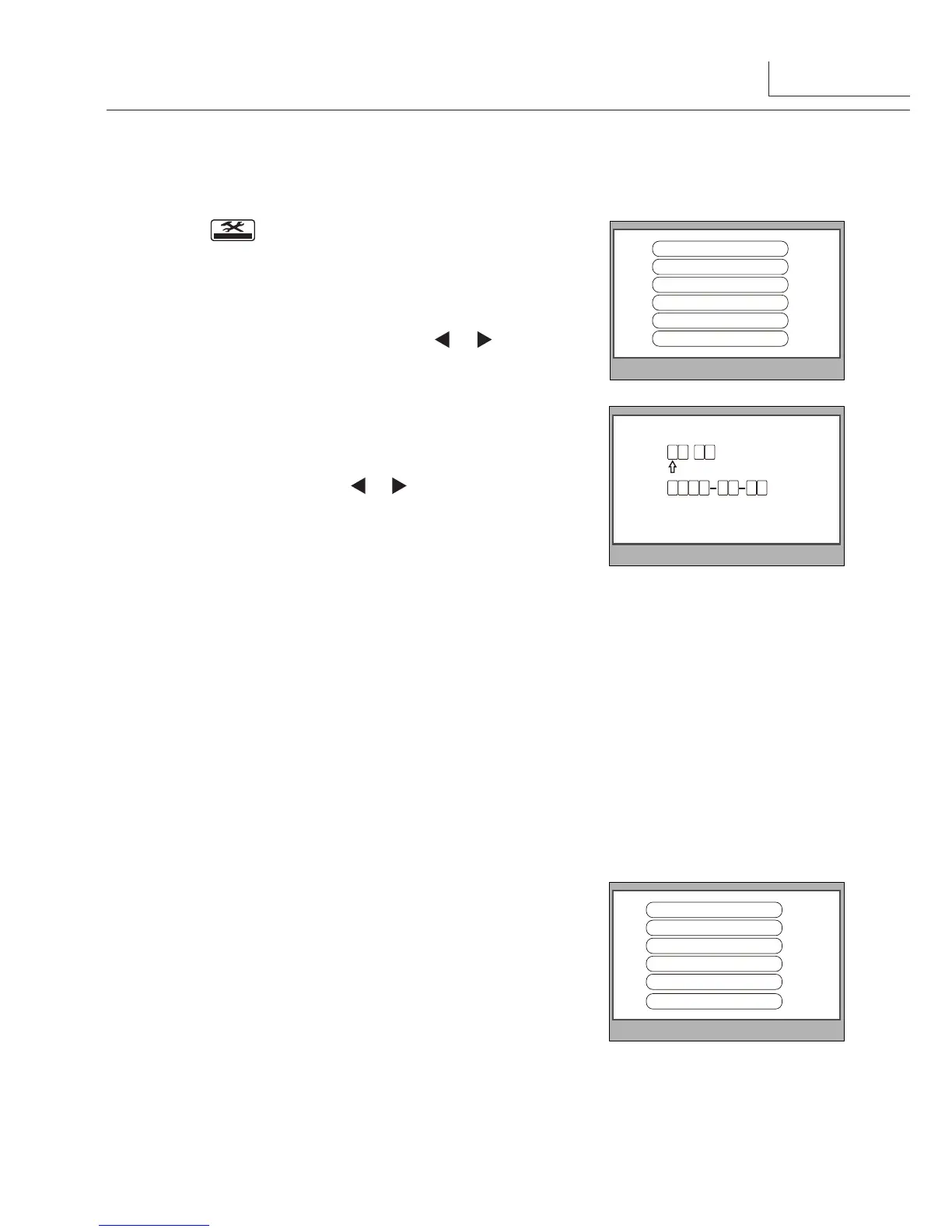
2.● Select●
Date and Time Set...
item.●Input●date●and●
time●by●pressing●●the● ▲●/● ▼●Button●to●increase●/●
decrease●the●value●and●
●/●● ●Button●to●select●last/
next●digital,After●finishing,press●MENU●Button●to●
confirm.
Time
Date
2 0 1 0 0 3 3 1
1 0 3 2
:
Slave Addr Set -- 0
Guard Unit Set -- 0
Date/Time Set...
Other Settings...
Information...
Exit
According●to●5.3●,●select●●
Information...
item,●this●item●
will●show●the●
hardware/software
●version●and●voltage●
information●of●the●Monitor.●Select●
Restore to default
item●
,then●press●MENU●button.●All●settings●will●be●restored●●
to●default.(Note●that●the●restore●to●default●operation●will●
not●change●the●time●setting●and●the●datas.)
Hardware ver 0302
Software ver 0168
Voltage 22.4V
Manufacture 00.0T
Restore to default
Exit
4
1.● According●to●5.3.●The
Slave Addr Set
●item●is●for●the●master●and●slave●user●code●
setting,●it●is●set●by●installer.●
2.●
Guard Unit Set:
●if●the●item●is●set●to●
1
,●the●Monitor●is●assigned●as●a●Guard●Unit●
Monitor,●for●normal●users,●it●should●be●set●to●
0
.



 To Next Page