5.Basic Setup Instructions
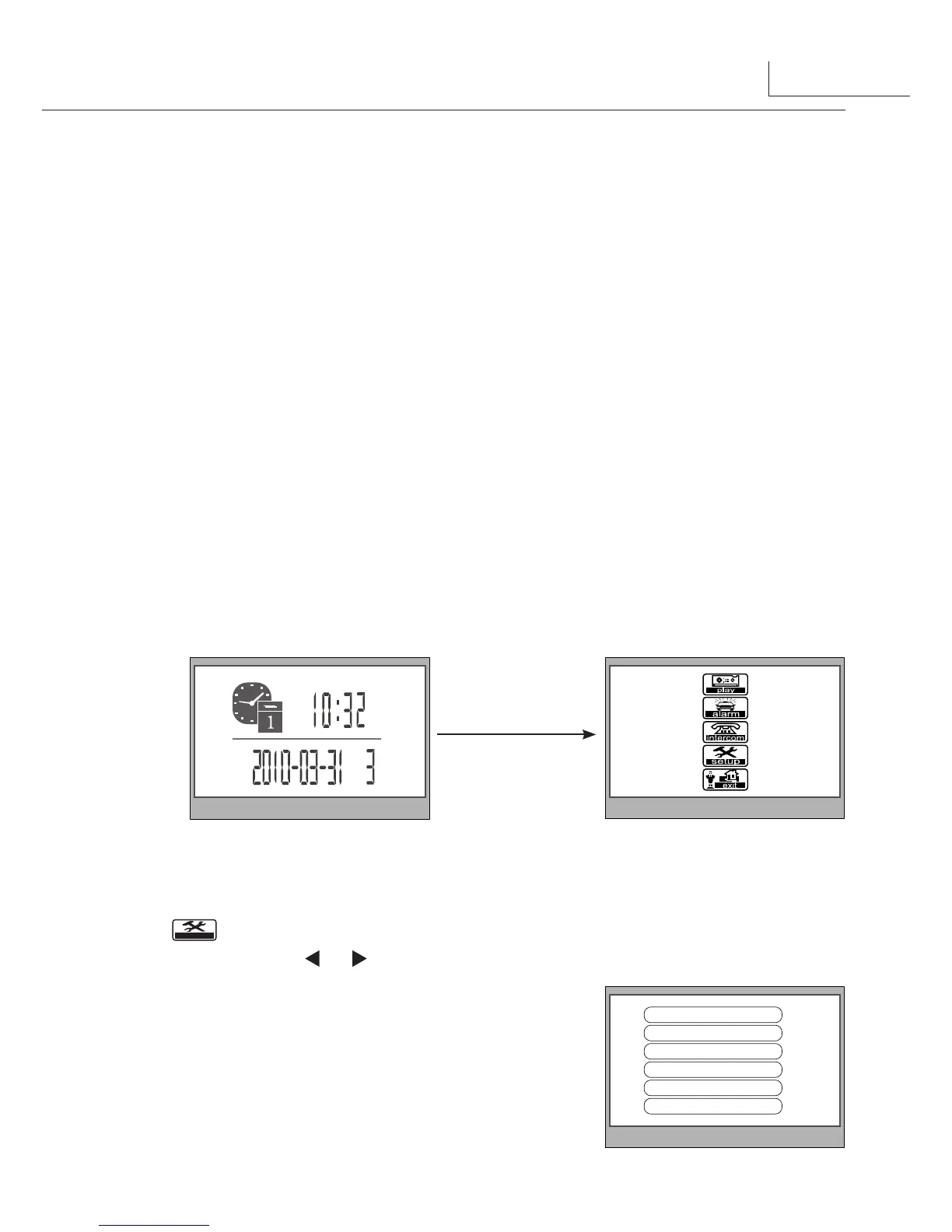
5.1 How to Enter Main Menu Page
5.2 Ring Tone Settings
1.● Press●MENU●Button●in●standby●mode,●the●date/time●page●will●be●showed.●(the●
date/time●page●will●be●closed●in●3●munite●if●no●operation)
2.● Press●●MENU●Button●again,●main●menu●page●will●be●showed.
Select●
●●item●on●main●menu●page●to●enter●setup●page.There●are●12●pieces●ring●tones●
can●be●selected.use●
●/ ●Button●to●select●last/next●ring●tone,it●will●perform●
immediatelly.
Outdoor Tone
:set●the●ring●tone●calling●from●outdoor●
station.
Intercom Tone
:set●the●ring●tone●calling●from●other●
apartments.
Outdoor Tone -- 01
Intercom Tone -- 05
Monitor Time -- 1min
Advanced Set...
Auto Record -- OFF
Exit
3
2.●
Inner Call
:●If●multi●Monitors●are●installed●in●the●same●apartment,●select●Inner●Call,●
all●the●other●Monitors●will●ring●at●the●same●time,●whichever●Monitor●answers●the●call,●
conversation●is●started.and●the●other●monitors●will●stop●ringing●at●the●same●time.(note:the●
DIP●switches●setting●of●all●monitors●must●be●same.●)
3.●
Direct Dial Guard unit
:●A●Monitor●can●be●assigned●as●Guard●Unit●Monitor;●when●the●
Guard●Unit●Monitor●answers●the●call,●conversation●with●the●guard●person●is●started..



 To Next Page