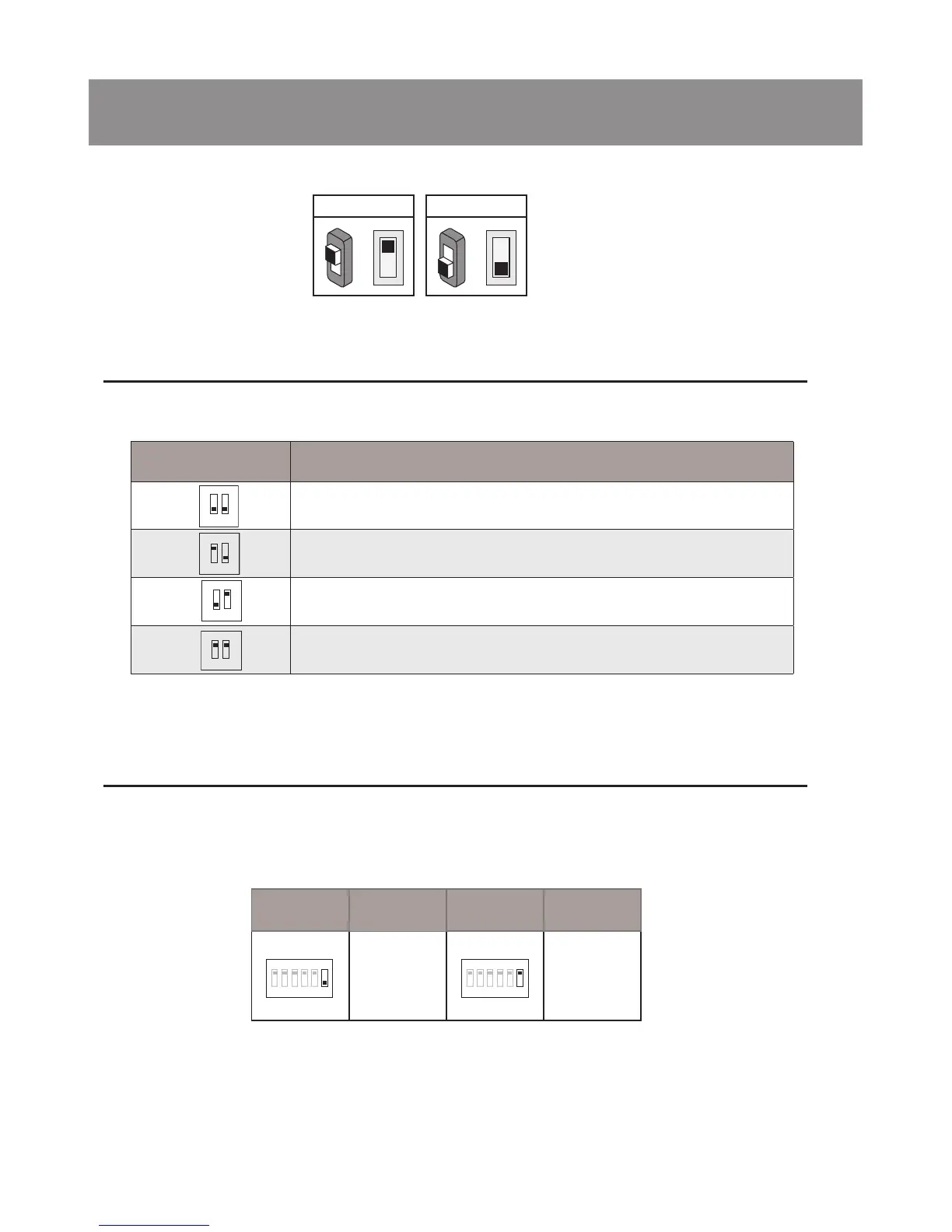
-10-
6.Setup
6.2 DIP Switches Settings of Monitor
6.1 DIP Switches Settings of Doorstation
Total 2 bits on the DIP switches can be congured.The switches can be modied etther before or after installation.
Bit state Descriptions
Default setting, ID = 0(00), set to the rst Door Station.
ID = 1(10), set to the second Door Station.
ID = 2(01), set to the third Door Station.
ID = 3(11), set to the fourth Door Station.
1
2
ON
1 2
ON
1 2
ON
1 2
ON
There are 6 bit switches in total. The DIP switches are used to congure the User Code for each Monitor.
ON(1)
=
OFF(0)
=
ON
ON
Bit-6 is line terminal switch, which have to be set to ON if the Monitor is in the end of the line(bus), otherwise set to OFF.
Bit state Setting Bit state Setting
The monitor is
not at the end
of the bus.
The monitor is
at the end of
the bus.
1 2 3 4 5 6
ON
1 2 3 4 5 6
ON



 To Next Page