EasyManua.ls Logo

Vacron CDR-E07 - Time Zone, Speed Unit, and G-Sensor Settings; Audio Recording and Snapshot Features

Vacron CDR-E07
40 pages
Print Icon
To Next Page IconTo Next Page
To Previous Page IconTo Previous Page
Loading...
18
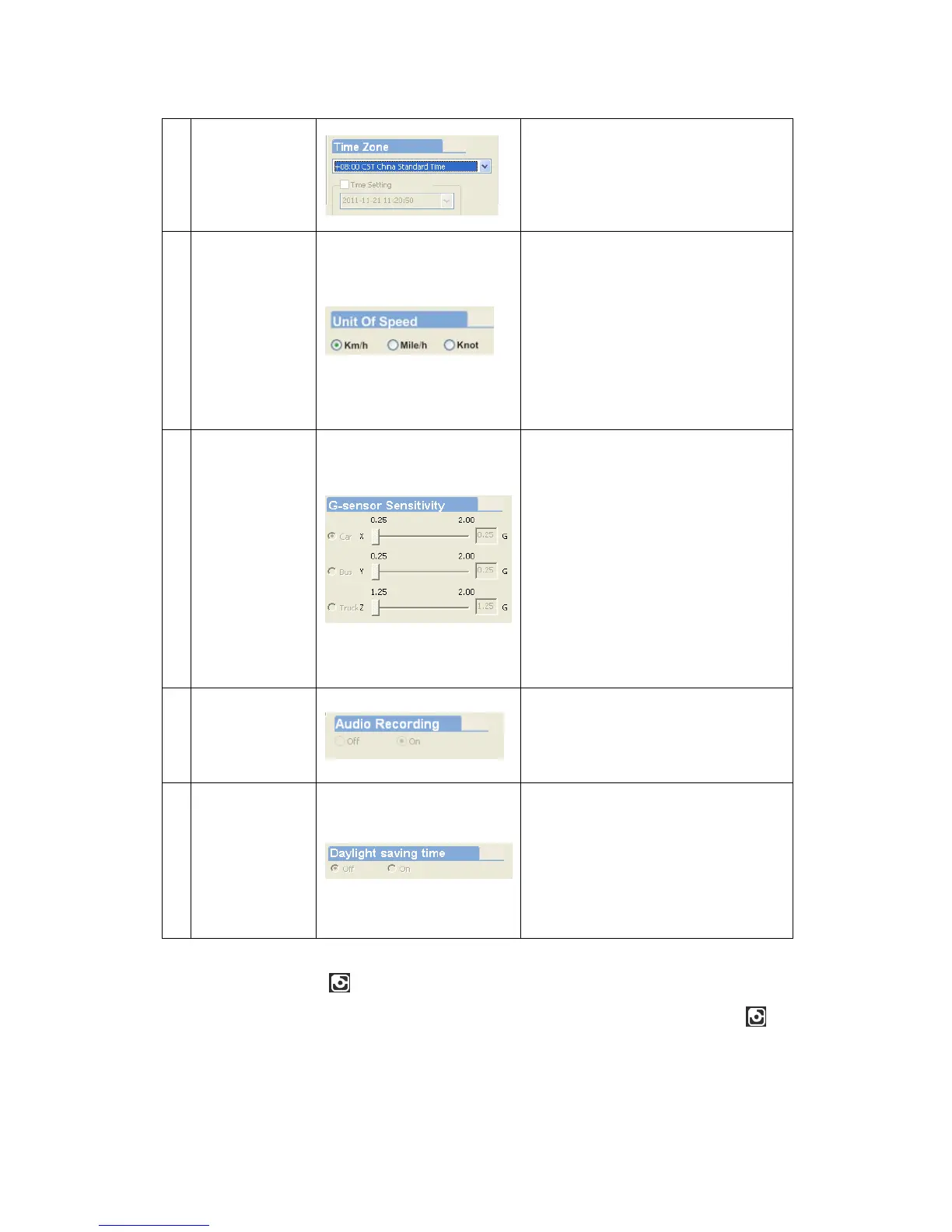
4 Time zone
Time Zone:
GMT (GPS auto time
correction)
5
Unit Of
Speed
You can set up the speed unit
here.
Km/h: kilometer per hour
Mile/h: mile per hour
Knotknot per hour
Note1 KM=0.6214 mile,
1 mile=1.6093KM, 1 Knot
=1.853KM
6
G-sensor
Sensitivity
Set the sensitivity for G-
sensor.
Six mode can be chosen.
OFF, Light, Low, Normal,
High, Heavy
Note: In some uneven road,
you might want to decrease
the sensitivity to prevent
repeated emergency
recording.
7
Audio
Recording
Audio recording.
Open: recording voice / Close:
stop voice recording.
8
Daylight
Saving Time
Daylight Saving Time:
The practice of advancing clock
during summer months by one hour
so that evening daylight lasts an hour
longer, while sacrificing normal
sunrise times
Snapshot
While playing the recorded file, you can use this function to
snapshot the picture and save it into your PC.
Default saving path for snapshot picture will be in /Snapshot
folder.


Other manuals for Vacron CDR-E07

Related product manuals