4 Installation and start-up
14 Operating and installation instructions 0020266269_01
3.3 WLAN password
To start up the product, you require a password-protected
network.
A possible MAC address filter must be taken into account
in the router. You can find the required information on the
enclosed ID card.
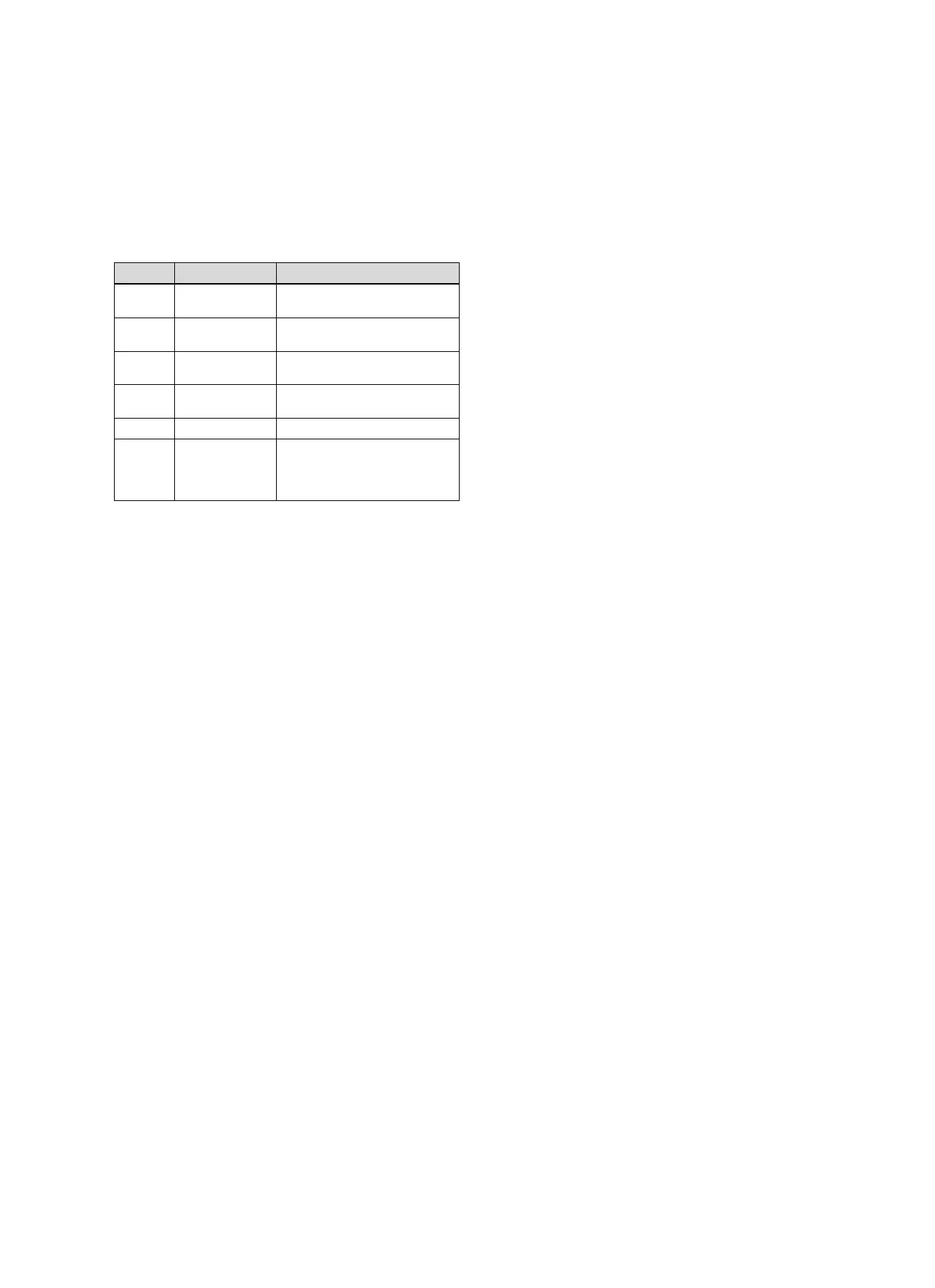
3.4 Meaning of the LED on the product
LED Status Meaning
Yel-
low/green
Flashing The product starts
Yel-
low/green
Lights up The start process ends; ready for
coupling
Blue Flickering The coupling mode (WLAN) is
active
Blue Lights up LAN/WLAN is available. The
product is ready for operation.
Blue Flashing Product software is updating.
Red Lights up Internet connection was discon-
nected; when connecting via
LAN: No Internet connection
available
4 Installation and start-up
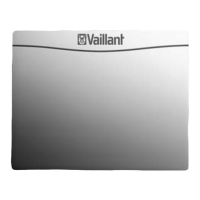
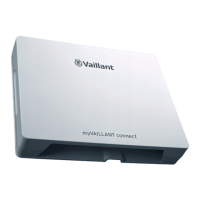
Installation and start-up of the VR920 communication unit,
see instructions:
– 0020253127
– 0020266269
– 0020253125
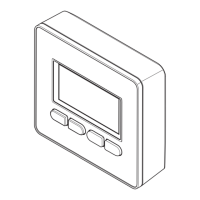
Installation and start-up of the VR921 communication unit,
see instructions:
– 0020285487
– 0020286833
– 0020285489





 To Next Page