Troubleshooting 5
0020266269_01 Operating and installation instructions 15
5 Troubleshooting
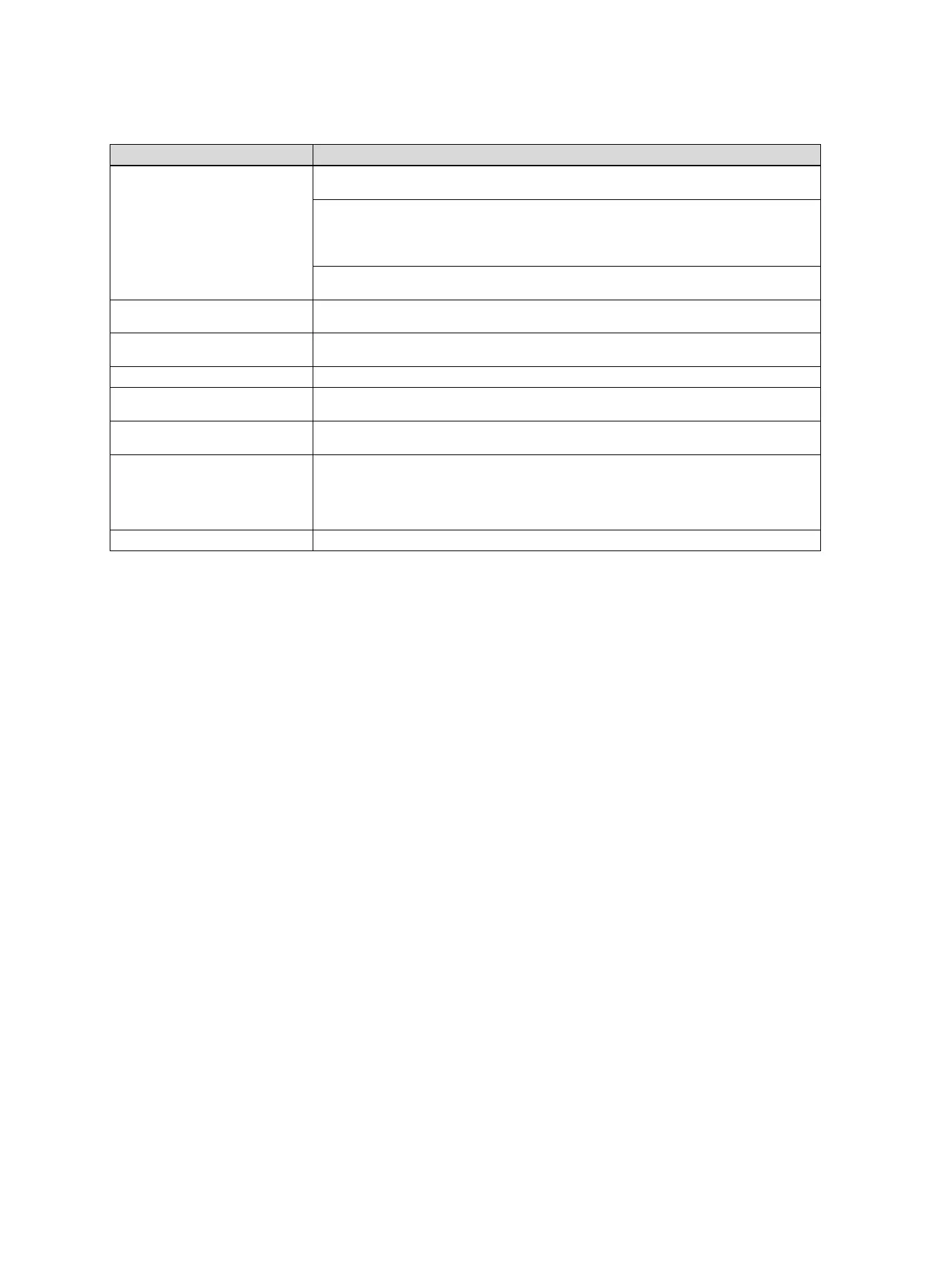
Fault Solution
Installation cannot be connected to
the Internet.
If you cannot establish an Internet connection, the end user must check the configuration of the
router. IT configurations are the responsibility of the end user.
The required standard ports (80, 123, 443, 8443) and a possible MAC address filter must be
observed in the router. We recommend activating the DHCP function.
Note
The required information is included on the ID card in the bag of small parts.
When using WLAN, only the WPA/WPA2 encryption methods are supported. WLAN encryption
is required.
The WLAN network is not displayed
(SSID hidden).
The WLAN network may be hidden. The name can be manually entered in the app.
The configuration of the WLAN net-
work or the router has changed.
If the configuration of the router and network settings has changed, you can re-enter these via
the app.
The smartphone has been replaced. The end user can reinstall the app and log in using their existing user account.
No values are displayed in the app. During initial start-up with the control, a large quantity of data is exchanged at first. Wait until the
control and app have completely synchronised with each other.
The serial number is already being
used.
The communication unit has already been registered. Ensure that an account has not already
been created via the app or profiDIALOG.
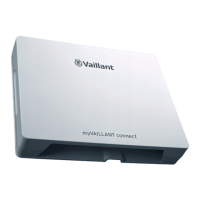
The LED lights up red. An established Internet connection to the Vaillant server has been interrupted. Check whether
your Internet connection works reliably and fault-free, irrespective of your communication unit. If
no Internet connection is available, contact your Internet service provider. When using an LAN
connection, check whether the network cable for your Internet router has been correctly connec-
ted to the communication unit.
Forgotten user name or password. The user name and password can be reset in the app.






 To Next Page