1
2
EN_17
4.Operating
4.5 If ice crystals appear
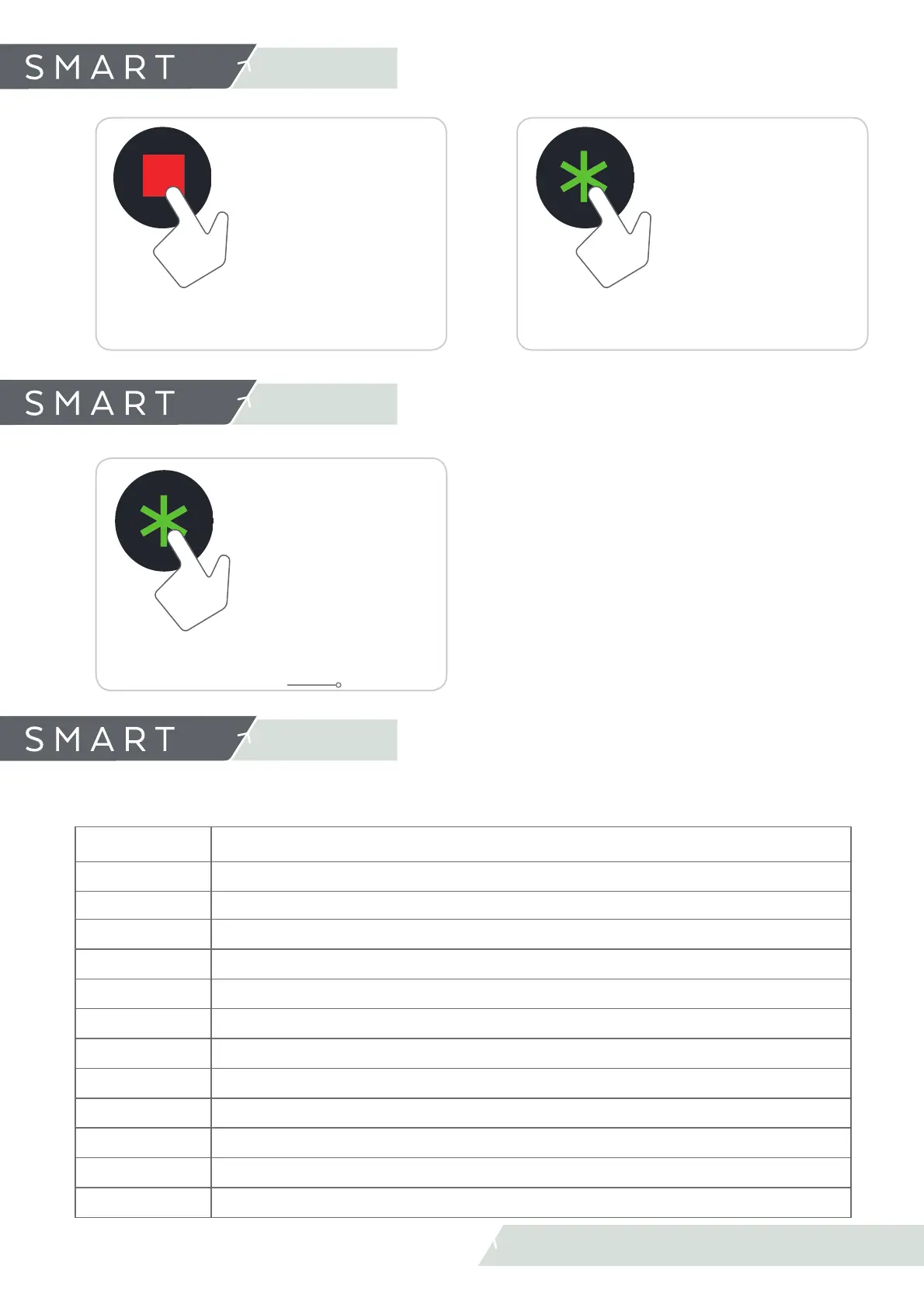
Select DEFROST
mode
Press DEFROST
Allows us to defrost the product quickly (When available).
Wait until Defrost fi nishes. (During Defrost, Slush and Stand
By mode of any tank is deactivated).
Prepare slush
Press START
In this way, the slush always remains homogeneous and
prevents the formation of excessively large ice crystals.
4.6 Close Premises
(Standby Mode)
4.Operating
Select STANDBY
mode
Press STANDBY
During the periods when the establishment is closed, it
is possible to use the machine in maintenance mode. In
this way, you will save a considerable amount of electrical
energy as the compressor only operates during the strictly
required time to maintain the right temperature for the
product (max. 3º C).(max37.4 ºF).
STANDBY
5.1 List of Alarms
5.Warning and
indications
The display warns about the possible problems in the machine.
n
is the cylinder 1 or 2
ALARMA
A0: 1
Front panel disconnected from bus or PS
An: 2
Motor disconnected from bus or PS
An: 3
Hall eff ect tachometer error
An: 4
Motor current over range Alarm
An: 5
Motor temp over range
An: 6
Motor voltage over range
An: 7
Motor voltage under range
An: 8
Signal probe out of range
An: 9
Motor current over range warning
An: A
Run confi rmation motor Alarm
An: B
Run confi rmation motor Warning
An: C
Hall efect tachometer Warning



 To Next Page