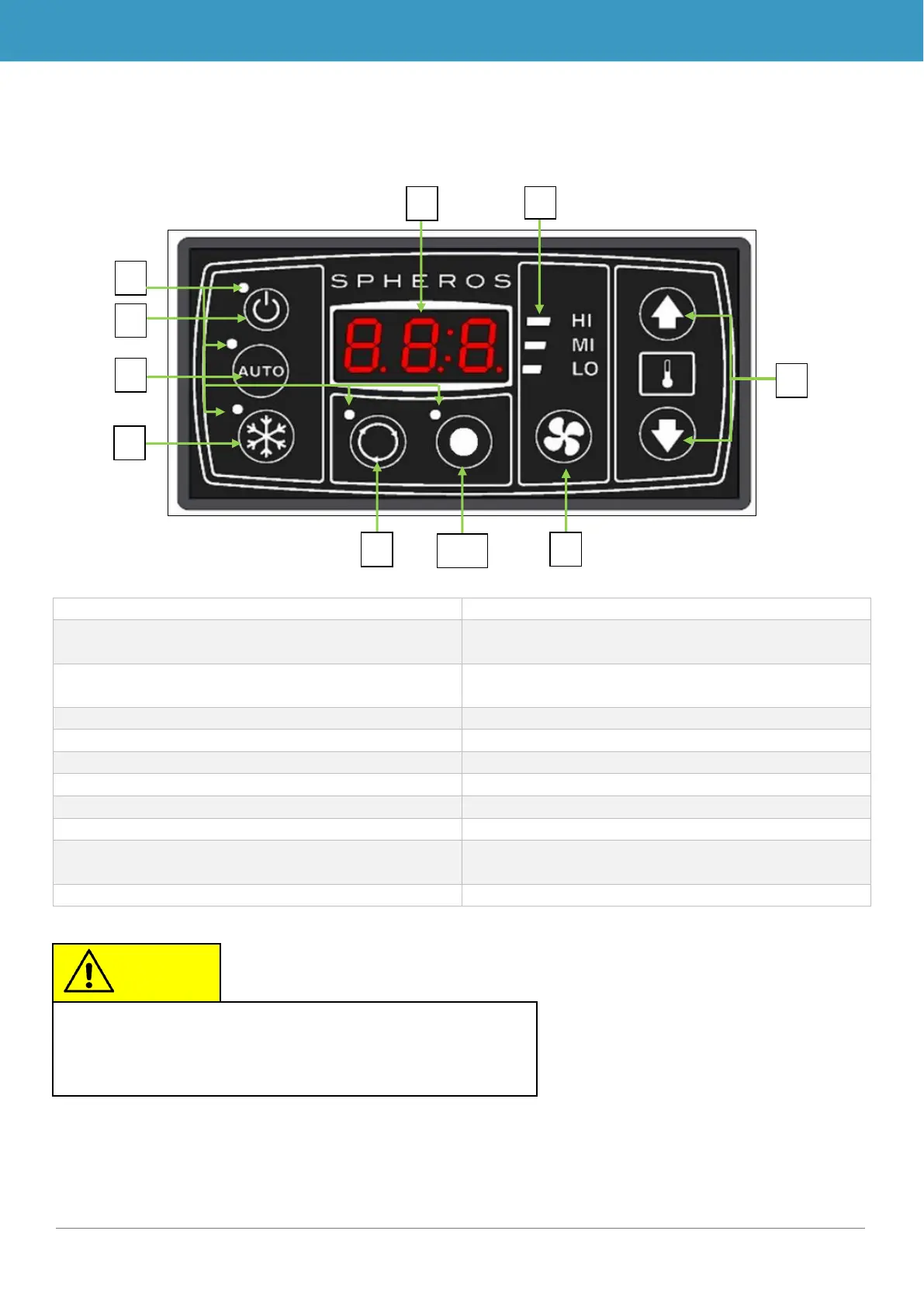
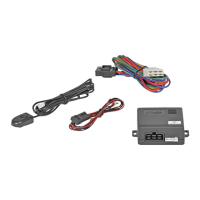
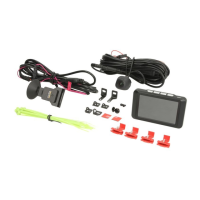
Figure 2 - SC410 control panel
Display for current room temperature and for
error codes
Indicates whether a function is active (red sta-
tus light = function active)
On/off button of the control panel
Turns air-conditioning system on/off
Manually sets the blower level
7. Status display of blower level
Displays the current blower level
8. Desired room temperature buttons
Sets the desired room temperature
9. Air-conditioning/recirculating air button
Sets between recirculating air and air-condi-
tioning
On/off for additional component
The image for the SC410 is always used as a repre-
sentative for both versions in the following operating in-



 To Next Page