3.2.1. Direct RS232 - PC operation only
Over short lengths of cable in Direct Reading mode and for setting up recording scenario and replay of data
via the 3m data/power lead in Self-Recording mode, the instrument RS232 communications can be used.
3.2.1.1. Direct Reading Mode
In Direct Reading mode, connect the instrument to the PC via the signal cable and 3m-power/data lead. The
data lead should be plugged into a serial port on the PC (if the PC has no 9 pin serial port, use supplied
RS232/USB adaptor). The software sets up the serial port of the PC to 4800 baud, 8 data, 1 stop, no parity.
Although the D cell battery in the fish is capable of driving the RS232 communications, battery life will be
significantly reduced, and it is recommended that external power is used.
If external power is being used it must be in the range of 12 to 28V DC and the consumption is
approximately 40mA depending on the parameters. The red lead should be connected to the +ve terminal
and the black lead should be connected to the -ve terminal of the power supply or external battery.
3.2.1.2. Self-Recording Mode
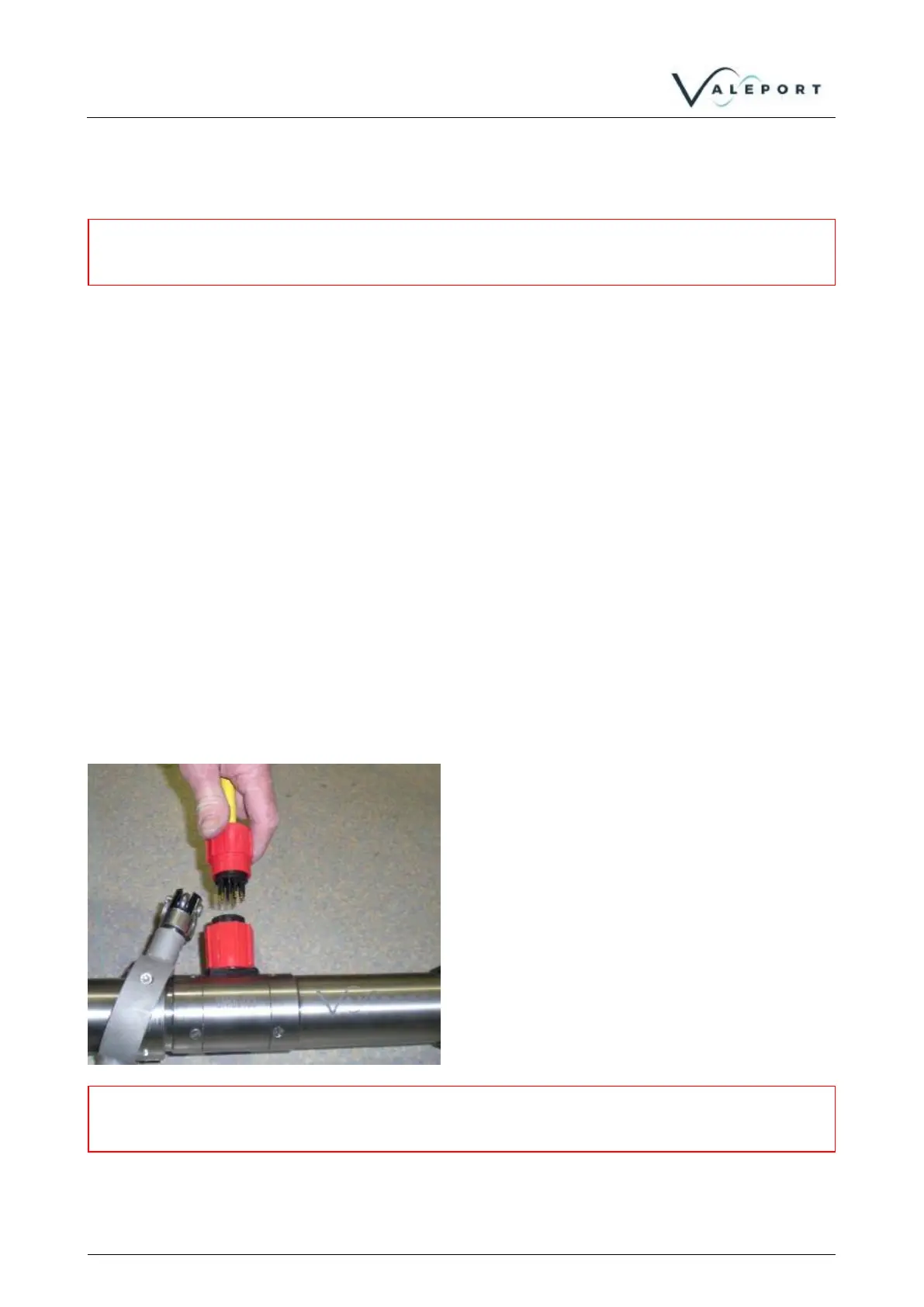
In Self-Recording mode, connect the fish to the PC for setting up recording scenario and data extraction.
Use the external 10-way SubConn connector and the 3m data/power lead.



 To Next Page