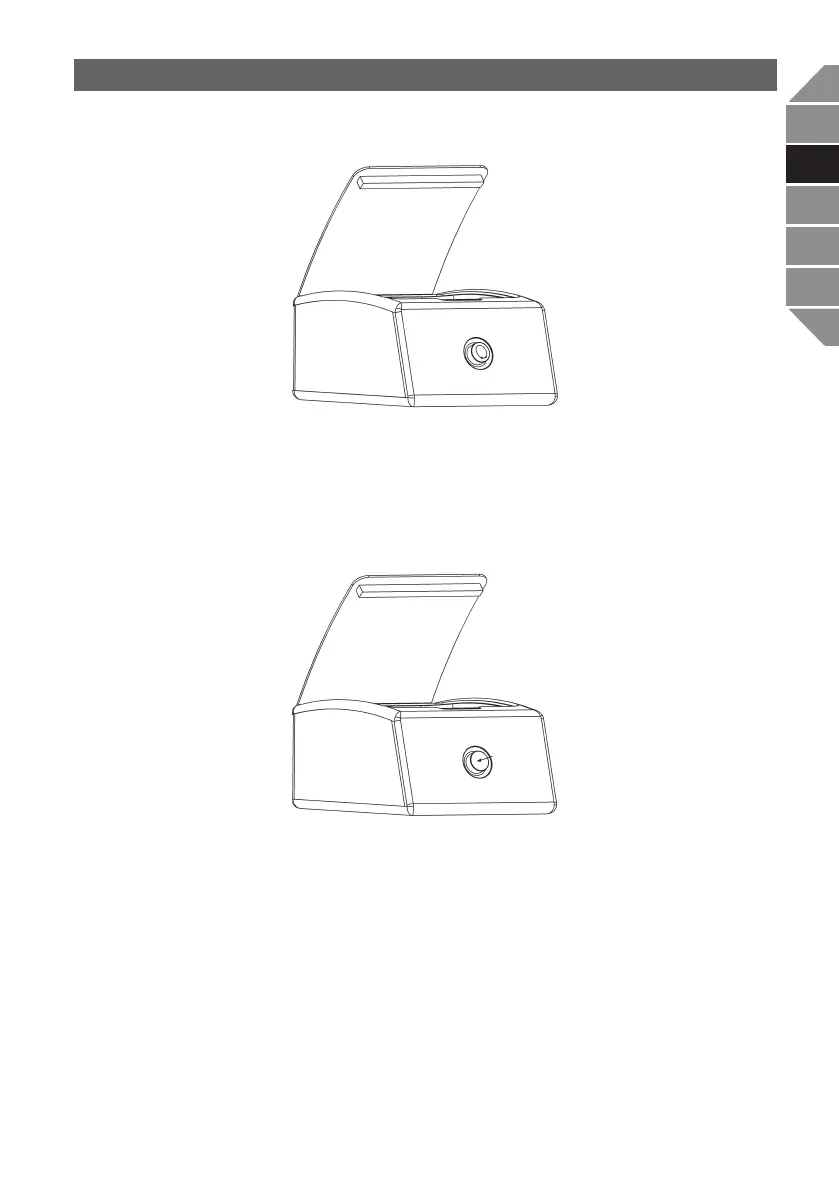
Select the desired function by turning the rotary knob. The selected function is active imme-
diately and is executed by the machine as soon as the chamber lid is closed by the user.
Press the rotary knob to call up the respective submenu of the function.
In the submenu, you can either select a preset value or adjust it individually to your needs by
turning the rotary knob.
Press the rotary knob again to exit the submenu. The selected or set value is now active and is
executed by the machine as soon as the chamber lid is closed by the user.
English | 47
DE
ES
IT
FR
EN


 To Next Page