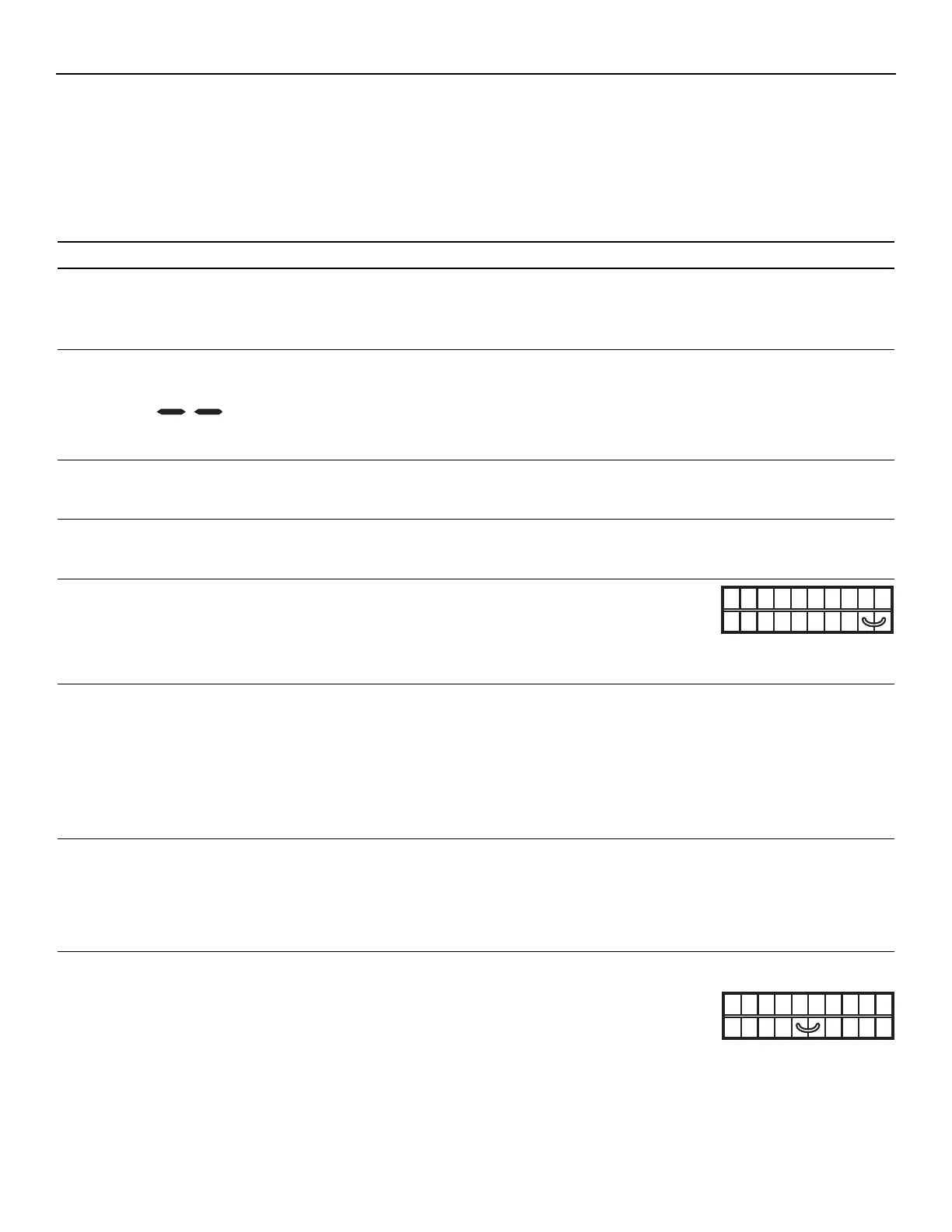
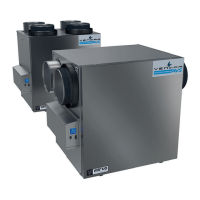
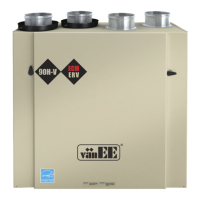
If the integrated control LED of the unit is flashing, this means the unit sensors detected a problem. See the table below to know where on the unit the
problem occurs.
LED flashes GREEN. • Thermistor error. • Replace the entire port assembly (fresh air from outside port).
LED flashes AMBER. • Damper error. • Go to Point 6.
LED flashes RED. • The door is open and the unit is not • Close the door and press once on the integrated control push button
unplugged. to reset the unit.
• Exhaust motor error. • Go to Point 9.
Problems Possible causes You should try this
1. The error code E1 is • The wires may be in • Ensure that the color coded wires have been connected to their
displayed on Platinum reverse position. appropriate places.
wall control screen. • The wires may be broken. • Inspect every wire and replace any that are damaged.
• The wires may have a bad connection. • Ensure the wires are correctly connected.
2. There is no outside • The unit thermistor • Replace the unit thermistor.
temperature displayed is defective. NOTE: At its very start-up or after a power failure, it takes some
on Platinum wall minutes before the outside temperature appears on screen.
control screen . The delay duration depends on which operation mode the
wall control is set. The shortest delay is obtained when the
wall control is set on MIN or MAX in VENT Mode.
3. Platinum wall control • The Platinum wall control • Replace the Platinum wall control.
screen alternates between is defective.
normal display and E3.
4. Platinum wall control • The Platinum wall control • Replace the Platinum wall control.
screen alternates between is defective.
normal display and E4.
5. Unit does not work. • The circuit board may be defective. • Unplug the unit. Disconnect the main
control and the optional(s) control(s)
(if need be). Jump G and B terminals.
Plug the unit back and wait about
10 seconds. If the motors run on
high speed and the damper opens, the circuit board is not defective.
6. The damper actuator • The damper actuator or the integrated • Unplug the unit. Disconnect the main control and the optional
does not work. damper port mechanism may be controls(s) (if need be). Wait 10 seconds and plug the unit back.
defective. Check if the damper opens. If not, use a mulltimeter and check for
24 V AC on J12-1 and J12-2 (in electrical compartment). If there is
24 V AC, replace the entire port assembly.
NOTE: It is normal to experience a small delay (7-8 seconds) before
detecting the 24 V AC signal at starting-up. This signal will
stay during 17-18 seconds before disappearing.
• The circuit board may be defective. • If there is no 24 V AC, replace the circuit board.
7. The wall control does not • The wires may be in reverse position. • Ensure that the color coded wires have been connected to their
work. appropriate places.
• The wires may be broken. • Inspect every wire and replace any that are damaged.
• The wire in the wall OR the wall • Remove the wall control and test it right beside the unit using another
control may be defective. shorter wire. If the wall control works there, change the wire. If it does
not, change the wall control.
8. The Humidity Control does not • The wires may be in reverse position. • Ensure that the color coded wires have been connected to their
work OR the 20-minute appropriate places.
push-button timer does not • The Humidity Control or push button • Jump the OL and OC terminals. If
work OR its indicator light may be defective. the unit switch to high speed,
does not stay on. remove the Humidity Control or push
button and test it right beside the
unit using another shorter wire. If it
works here, change the wire. If it doesn’t, change the Humidity Control
or the push button.
9. TROUBLESHOOTING


 To Next Page