Vante ® Model 4160
17
2.8. COM port
If your system is optimized with the Vante Data Management feature, you can connect an
external computer to the COM port on the rear panel of the generator, and transfer run process
data to the computer’s storage. This feature can be useful for process development and
production metrics. Refer to the Vante Data Management System for additional instructions.
2.9. T/C port
This port should only be used by certified Vante service providers.
2.10. Sealing Head
2.10.1. Status indicator
The sealing head is designed with a status indicator light to help the user operate
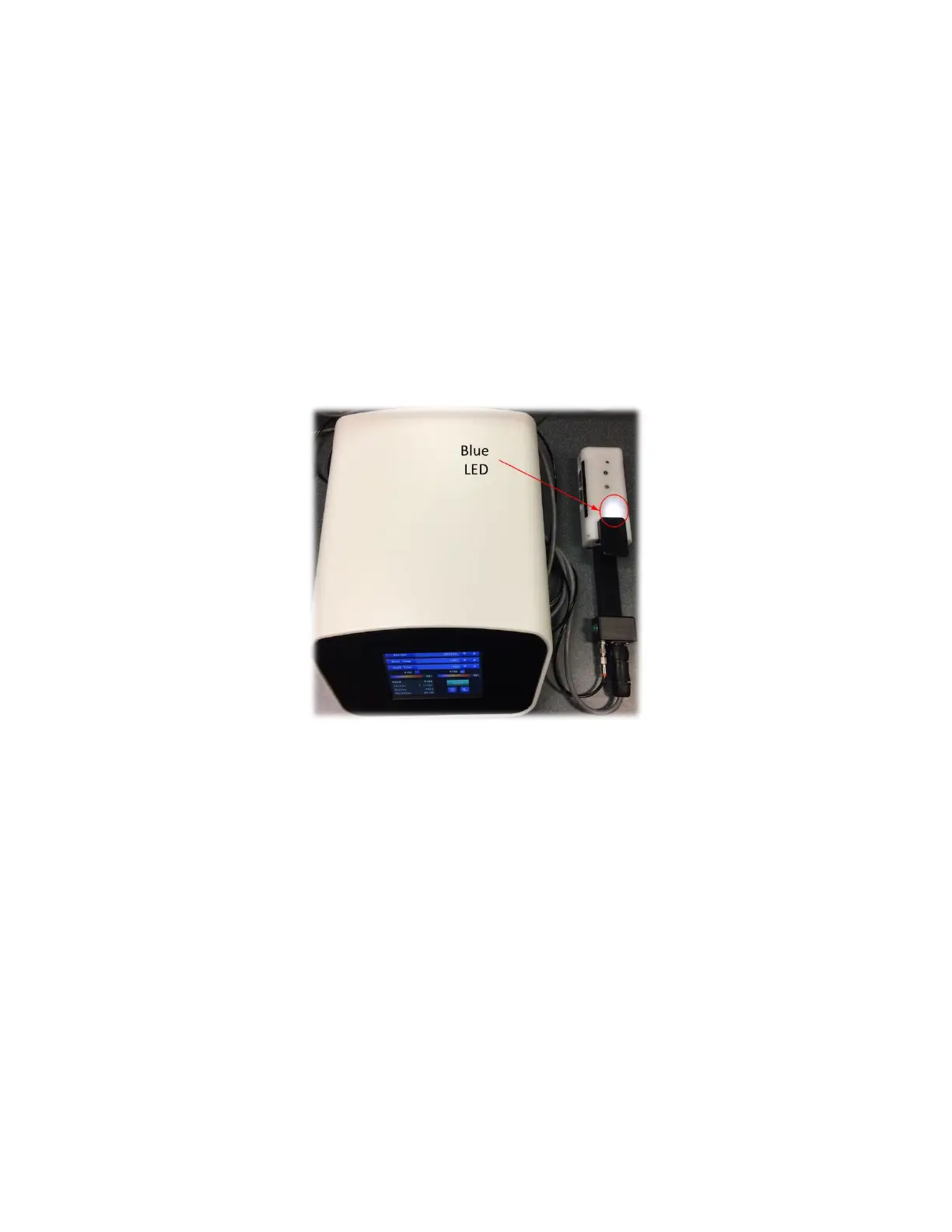
the system safely and effectively. See Figure 2.6.
Figure 2.6 Sealing head indicator light
The blue LED lights up with the sealing head is closed.
The blue LED turns dark with the sealing head is open.
NOTE: A “Jaw open” message on the generator/controller display screen also indicates
that the sealing head is open.


 To Next Page