6
,
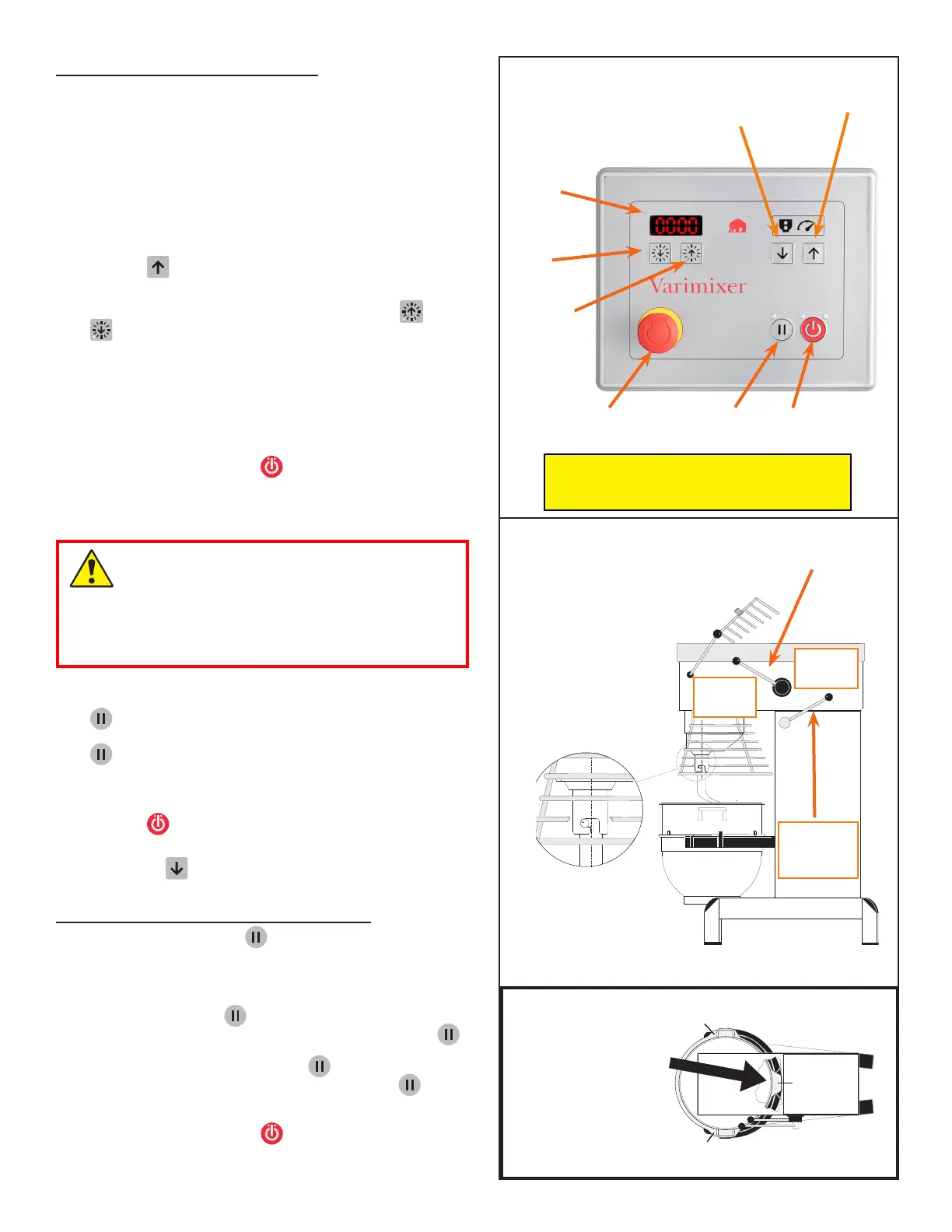
the bowl has been pushed
all the way into the bowl
arms.
-
First “ear”
Second “ear”
Timer/
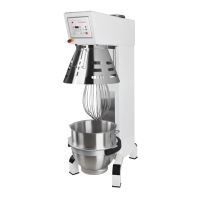
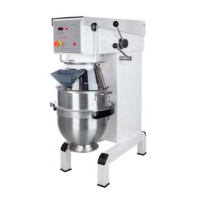
Place the tool in the bowl. Open the bowl screen
. Place
the bowl in the bowl arms. Check that the bowl is pushed right
back into the arms and that the “centre ear” of the bowl arms
is facing the mixer .
Place the mixer tool in the bayonet
shaft. The tap of the tool must be turned right into the bayo-
net hole. Close the bowl screen.
Raise the bowl to working position by turning the handle for
bowl lift towards your selves (manual bowl lift) or by
pressing (Power lift). The bowl will automatically
stop in the top position.
The mixing time can be set on the timer using the and
buttons. The mixer stops automatically when the mixing
time has run out. (If the mixer stops at high speed when the
mixing time runs out, follow the instructions
before starting the mixer again).
You can also start the mixer without setting a time. If you do
not set a time, the display will function as a clock that counts
up. See also on page 7
Start the mixer by pressing
Turn the speed selector lever to the rear until the
required speed has been obtained, (notice the recommended
maximum speeds on page 9).
The speed must be changed only when the mixer
is running.
The mixer must not be started in high speed
when loaded.
Always change to low speed before stopping the
mixer
During the mixing process the mixer can be paused by pressing
().
You can now lower the bowl
or open the bowl screen. If you start the mixer again using
the timer settings will be unchanged.
Before the mixer is stopped, the speed selector lever must
be moved back to lowest speed . Stop the mixer by
pressing
When the tool has stopped rotating the bowl can be lowered
by pressing (power lift) or by turning lever for bowl lift to
the rear.
The mixer has a pause button , which should be used to stop
and start the mixer in a process where the timer is used.
• Change to low speed
• Stop the mixer using . The timer will continue to count
downwards when you start the mixer again by pressing .
• When you stop the mixer pressing you can lower the
bowl and open the bowl screen. When you press again,
the timer continues to count downwards.
• If you start the mixer using the settings will be reset. See
also


 To Next Page