29
Vasa SwimErg User’s Manual
August 2022
Shift
Setup
Review
Display
I695
0
+
Shift
Setup
Review
Display
METERS
SPM
/100M
WATTS
5:48
I05
I:25
30 45
Display
METERS
SPM
/100M
WATTS
5:48
I05
I:25
30 45
Display
METERS
SPM
/100M
WATTS
5:48
I05
I:25
30 45
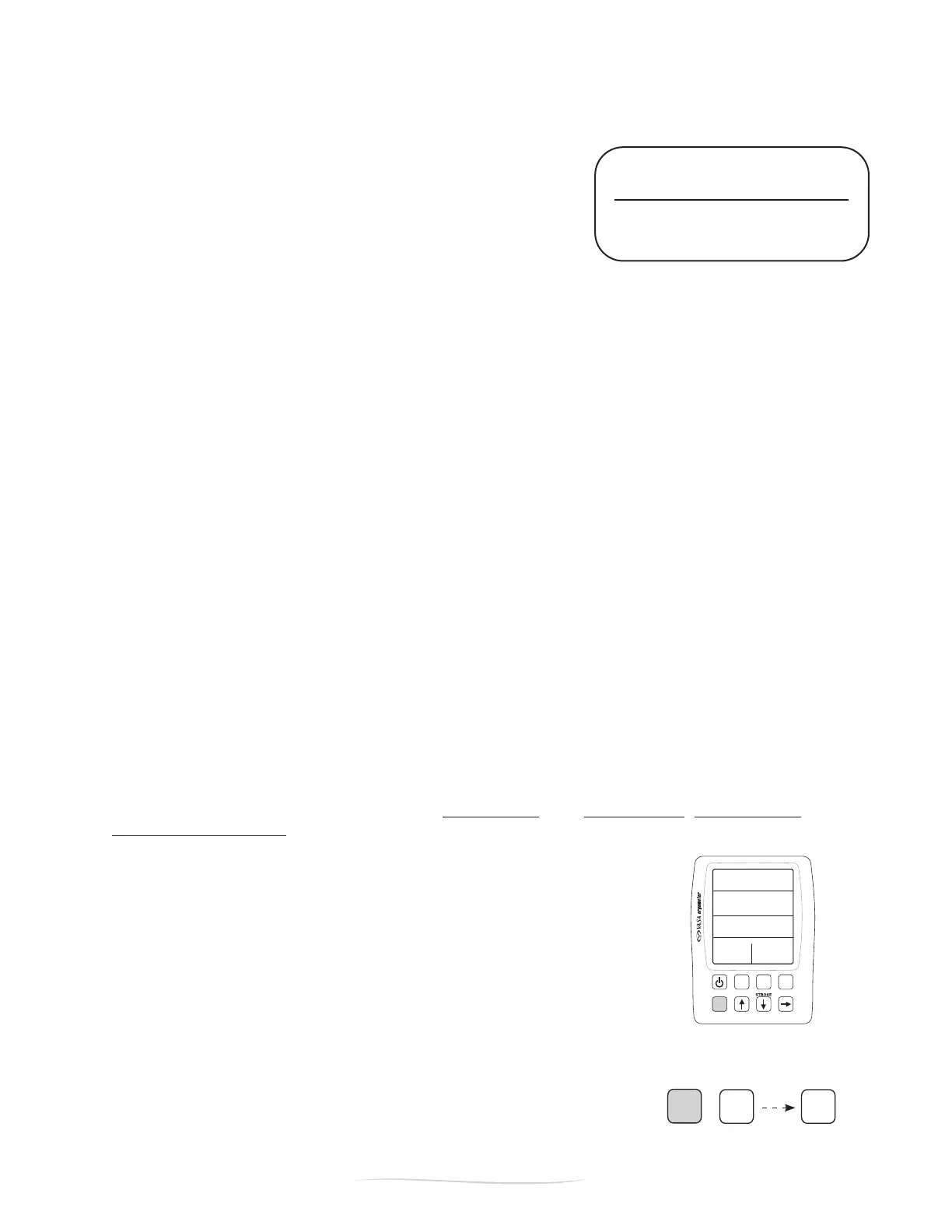
Press and hold SHIFT and DISPLAY to
activate the odometer. Then cycle
through all totals by pressing DISPLAY.
PART 2 - Using the SwimErg
IMPORTANT: PLEASE
REMOVE THE BATTERIES
from the monitor if it will not
be used for 3+ months.
BATTERY REPLACEMENT
To change the batteries, open the battery compartment on the back
ofthePowerMeter(FigureA).ThePowerMetertakestwo“AA”
batteries(alkalinearene).
BATTERY SAVE FEATURE
There is a 5 minute timeout feature on your Power Meter. If there
isno“activity”thePower Meter will power down after 5 minutes
(“activity”includesinputsfrompullingonthedrivecord,pushingbuttons,orserialcommunicationswith
a computer). Any workout information will be cleared from the memory as soon as it shuts off.
RE-ZERO POWER METER ONCE CONNECTED TO CABLES
You should RE-ZERO the Power Meter every time it is reconnected to the connection cables (i.e. batteries
replaced, removed from machine, etc.). To RE-ZERO (calibrate) the Power Meter, please follow these
simple steps:
1. Plug in the cables to the Power Meter and make sure they are seated correctly into the jacks;
2. Next, turn OFF and wait two seconds;
3. Next, turn ON by pressing the ON/OFF button. DO NOT PULL on the cords.
4. Next, turn OFF again (and wait two seconds).
5. The Power Meter is now ready to use. You may start by pressing ON/OFF or just exercising.
REMOVING THE POWER METER
It is NOT recommended that you remove the Power Meter from the Vasa SwimErg on a regular basis. If
you need to remove the Power Meter, it is suggested that you remove the batteries. When you reconnect
the Power Meter make sure to follow the RE-ZERO procedures stated above.
NOTE: Prior to disconnecting the connection cables, power the unit OFF and wait two seconds to ensure
the computer has properly shut down. Disconnecting prior to this can cause the Power Meter to display
irregular data.
ODOMETER
The odometer function allows you to track total swim distance, total kayak distance, time in seconds and
left and right arm strokes on your Vasa SwimErg.
Todisplaytheodometer,pressandhold“SHIFT”,thenpress“DISPLAY”.Usethe
“DISPLAY”buttontocyclethroughthevarioustotals:
Display #0 Total SWIM METERS
Display #1 Total KAYAK/SUP METERS
Display #2 Total SECONDS IN OPERATION
Display #3 Total STROKES / LEFT SIDE
Display #4 Total STROKES / RIGHT SIDE
Display #5 Total TACKS # LEFT
(Vasa use only)
Display #6 Total TACKS # RIGHT
(Vasa use only)


 To Next Page