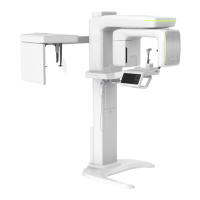
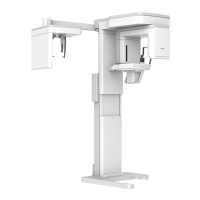
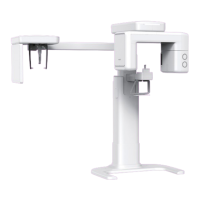
1. Imaging System Overview
6 Green X (PHT-75CHS) User Manual
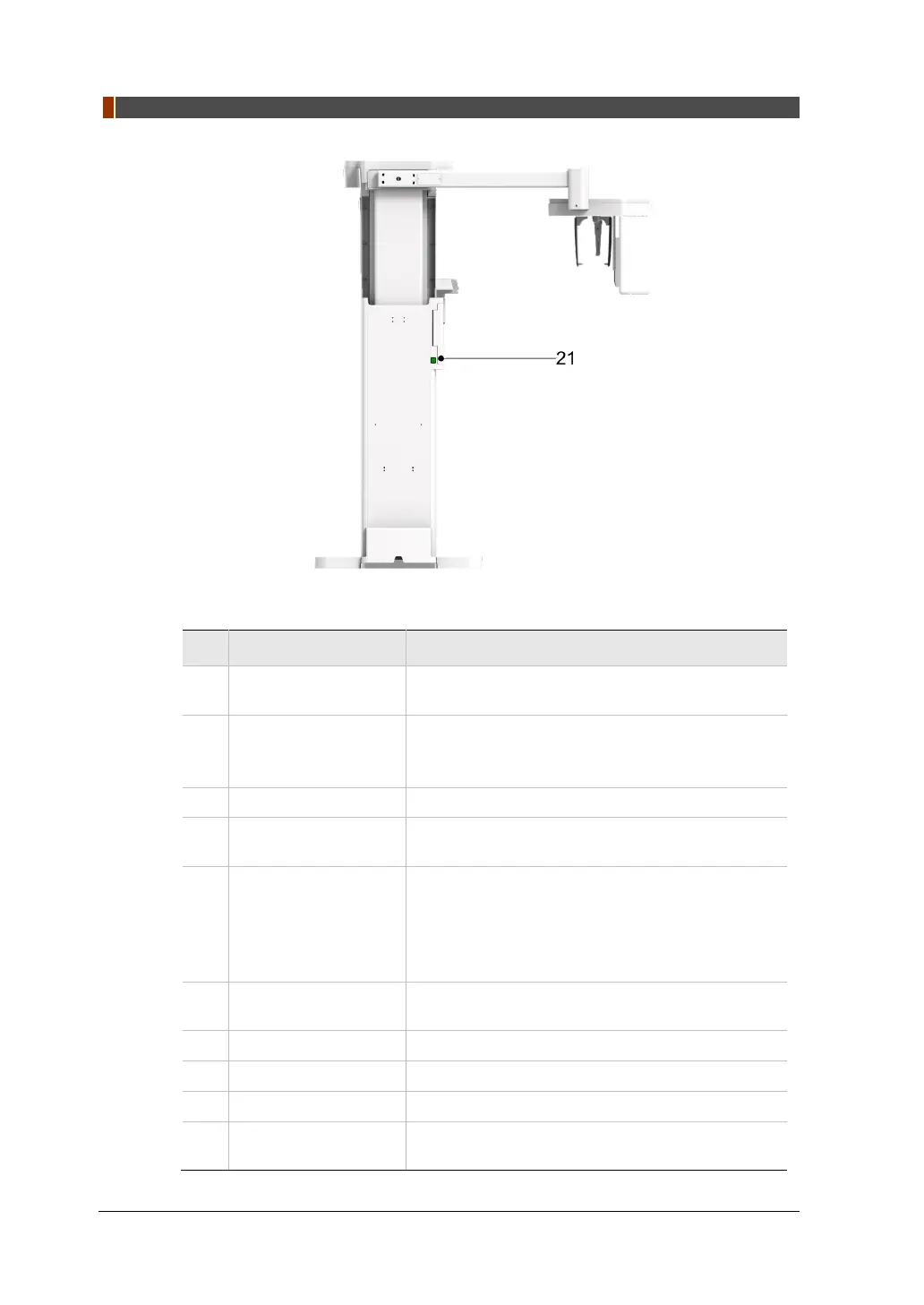
Rear View
No. Item Description
1
X-ray Detector for
CEPH (Optional)
Xmaru2602CF for CEPH imaging sensor
2 Nasal Positioner
Positions the patient during CEPH imaging.
The ruler used for reference in an acquired image
that is different from the actual size
3 Ear Rods Secure the patient’s head during CEPH imaging.
4
Column UP/DOWN
button (CEPH Part)
Adjust column height to adjust the height of the
vertical frame.
5 Control Panel
Adjust column height to adjust the height of the
vertical frame, up or down the Chinrests, prepares
for operation when the READY/RETURN button is
pressed and operates the Horizontal Laser Beam.
(For the details, refer to 1.6.1 Control Panel.)
6
Column UP/DOWN
Switch (optional)
Adjust column height to adjust the height of the
vertical frame.
7 Stationary Column Supports the whole part of the equipment.
8 Base (Optional) Balances the equipment and maintains its safety.
9
D-Sub Connector The input signal port for Column UP/DOWN Switch
10
Emergency Stop
Switch
Immediately stops the moving parts and cuts off all
power to the equipment’s electrical components.


 To Next Page
 Loading...