19
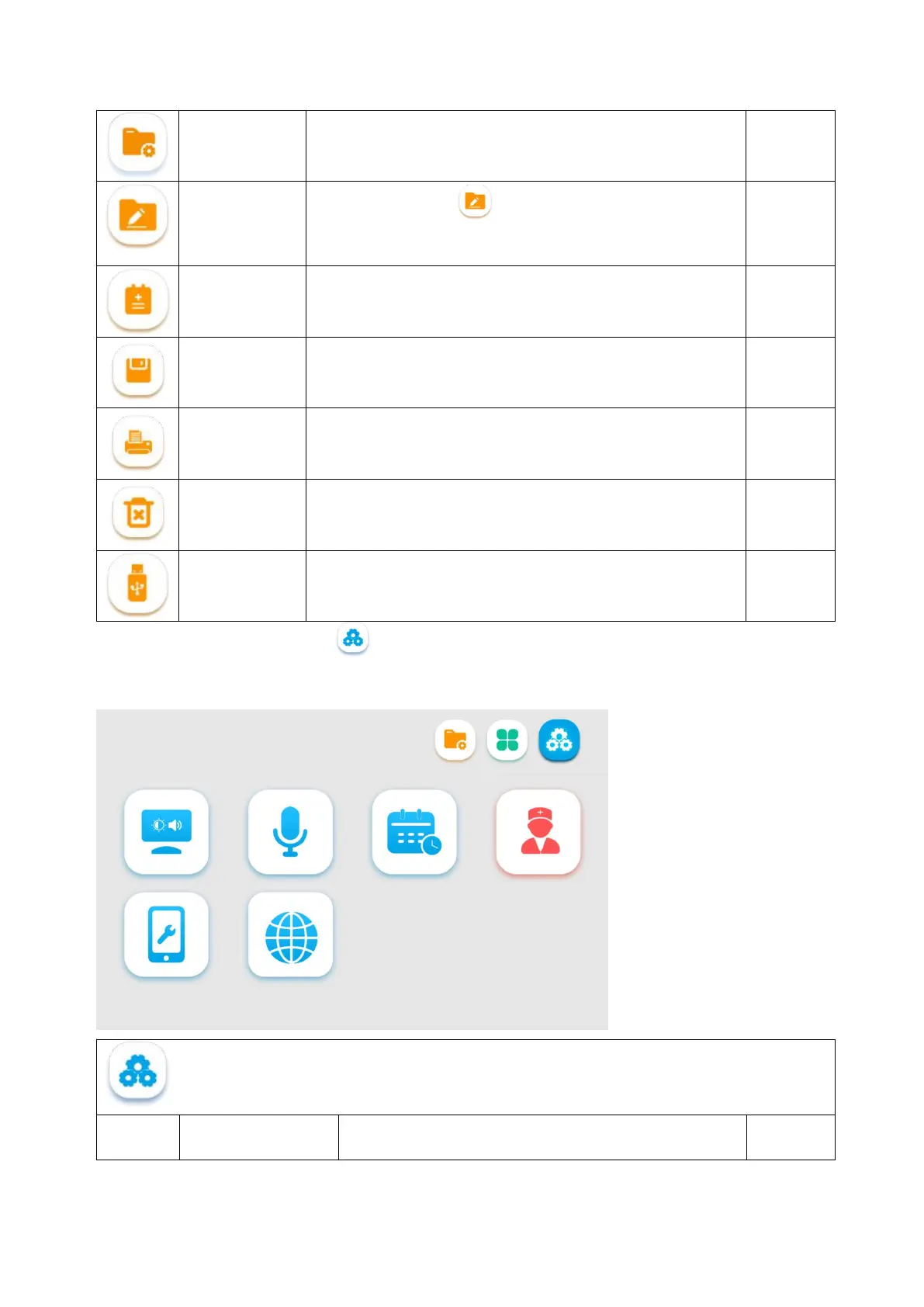
Icon for the file management interface.
You can tap the icon or long press a folder/file to enter
the selection mode, and then perform multiple selection,
editing, renaming, and deletion operations on the file or folder.
Used to edit the medical records
Used to save the current data
Used to print the medical records, where Wifi connection is
required
Used to erase the current data
You can select and move a file(s) or folder(s) to the U-disk.
This button stays gray if no U-disk is connected, indicating this
function is unavailable.
3.3.4. System setting interface: tap to enter the System Setting interface. This interface is used mainly
for setting brightness, audio volume, time, user permissions, network and language, and viewing the
equipment information.
Description of file management-related icons



 To Next Page