40 © 2009 VBrick Systems, Inc.
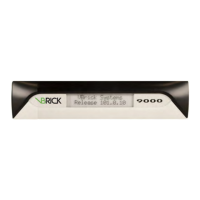
Configuration: JPEG
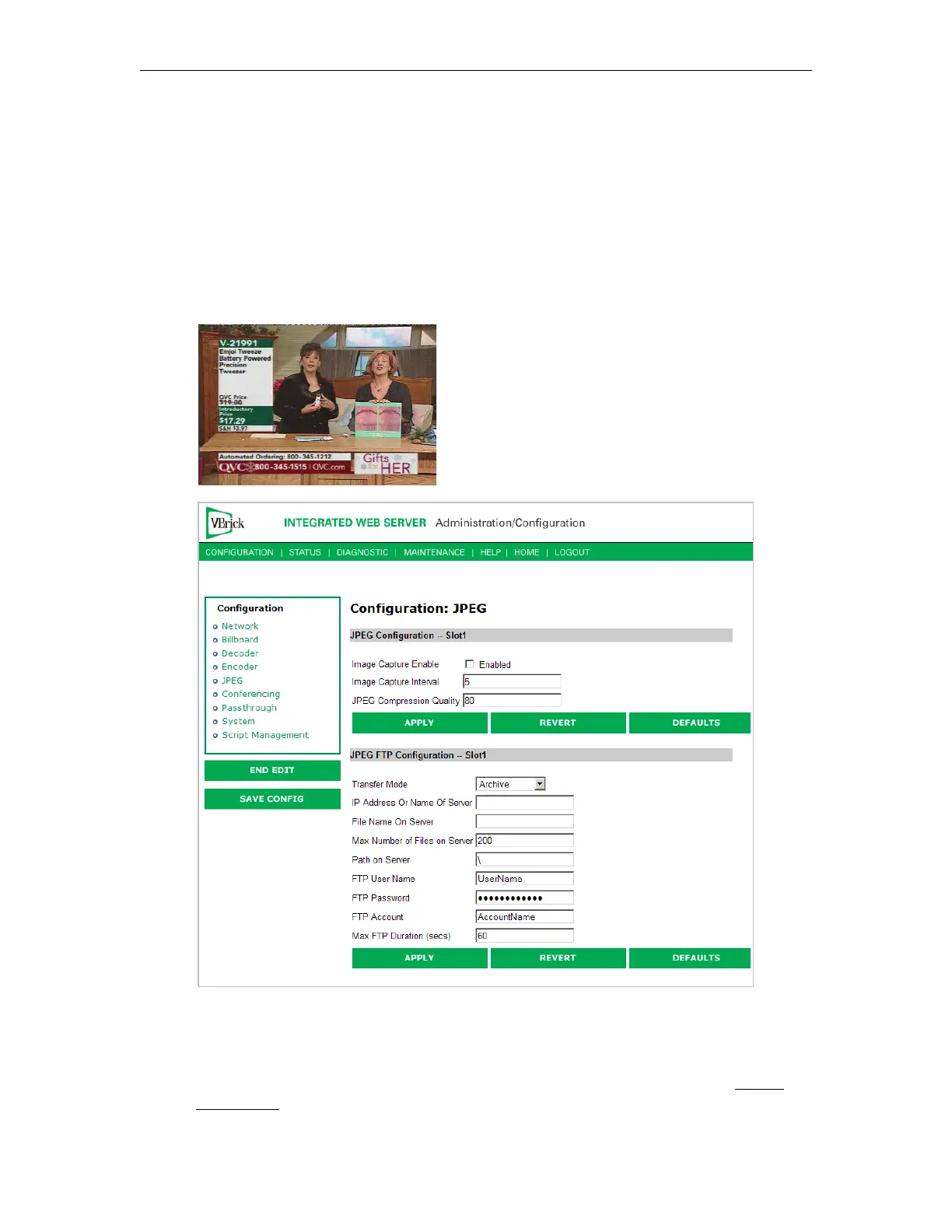
This windows lets you configure a WM encoder with an attached video source (such as a
camera) in order to take JPEG snapshots at a specified interval. Depending on the
application, the snapshot can be displayed in a web page in realtime or FTPed to a server for
archive storage. Type the following URL in a browser to display the captured image in a web
page. The following URL example contains the folder location of the JPEG file for each
encoder (if there are dual encoders).
vbs1 or vbs2 indicates the slot number of the encoder.
Click F5 to refresh image.
http://172.22.123.23/vbs1SnapShot.jpg
JPEG Configuration
The following fields enable image capture and specify the capture interval and compression
quality. Note that if you change any of these parameters for a live encoder stream, there will
be a momentary (10 seconds or less) loss of video. (For JPEG capture status, see Status:
JPEG Status on page 72.)


 To Next Page