FRANÇAIS
8180
BIKETPC
SET
ALTI
BIKETPC
SET
ALTI
BIKETPC
SET
ALTI
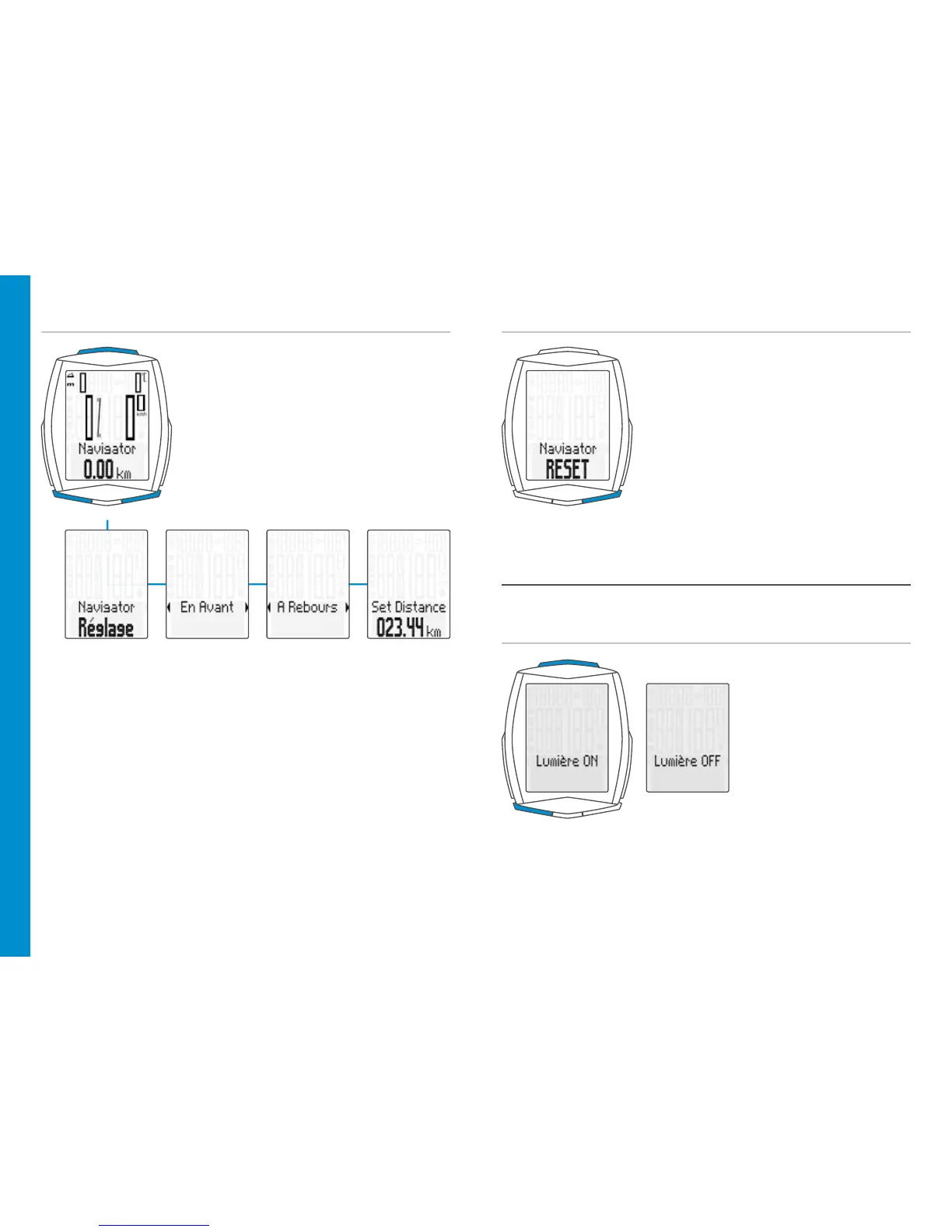
Réglage du navigateur
– Avec la touche BIKE, afficher
la fonction NAVIGATOR à l’écran.
– Maintenir la touche SET enfoncée.
– Modification des données :
au moyen des touches BIKE ou TPC
– Confirmation d’un réglage:
avec la touche SET
Activation / Désactivation du mode
d’éclairage
ATTENTION : Le mode d’éclairage s’éteint automatiquement après une
pause de manière à réduire la consommation de la pile.
Mise à zéro du navigateur
– Afficher la fonction “Navigator” à l’écran
– MISE A ZERO: Maintenir la touche BIKE
enfoncée
– MARCHE : appuyer
simultanément sur les
touches TPC et SET
– ARRÊT: appuyer
simultanément sur les
touches TPC et SET












 To Next Page