ENGLISH
42
BIKETPC
SET
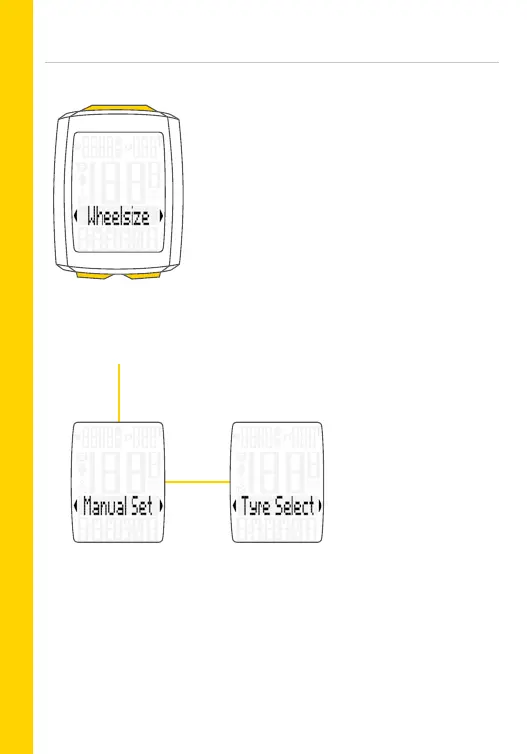
Setting the wheel size
– Open the menu:
Press and hold the SET button
– Scroll from Total values to Settings:
Press the BIKE or TPC button
– Open the settings menu:
Press the SET button
– Scroll to Wheel size in the menu:
Press the BIKE or TPC button
– Start the setting: Press the SET button
– Select Set manually or Tyre list:
Press the BIKE or TPC button
– Change the setting:
Press the BIKE or TPC button
– Confirm the selection:
Press the SET button
– Exit the settings menu:
Press and hold the SET button
Enter the wheel circum-
ference by selecting a
tyre size from a tyre list.
Enter the wheel circum-
ference in mm (kmh) or
inches (mph).
Manual entry of the wheel circumference or selection from a tyre list.
For tyre sizes, see also page 172-173.



 To Next Page