53
BIKE
BIKE
TPC
SET
TPC
SET
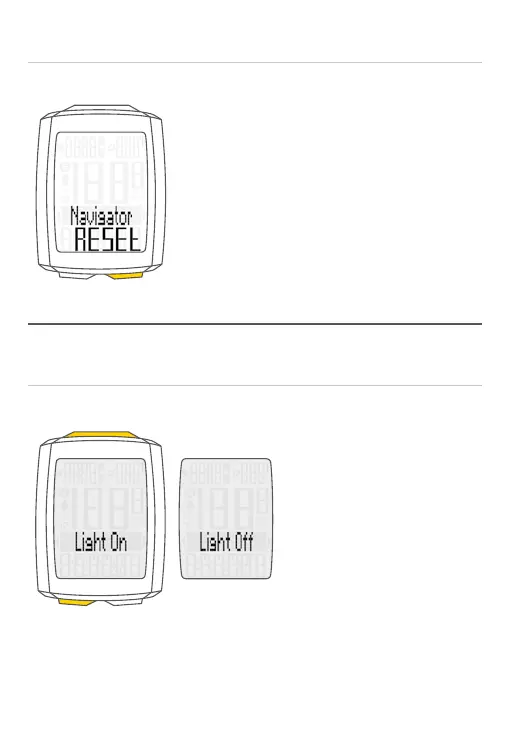
Light mode ON/OFF
– ON: Simultaneously press
the TPC + SET buttons
– OFF: Simultaneously press
the TPC + SET buttons
ATTENTION: light mode is automatically disabled after a break to save the
batteries.
Resetting the navigator to zero
– Display the Navigator function
– RESET: Press and hold the BIKE button



 To Next Page