ENGLISH
46
BIKETPC
SET
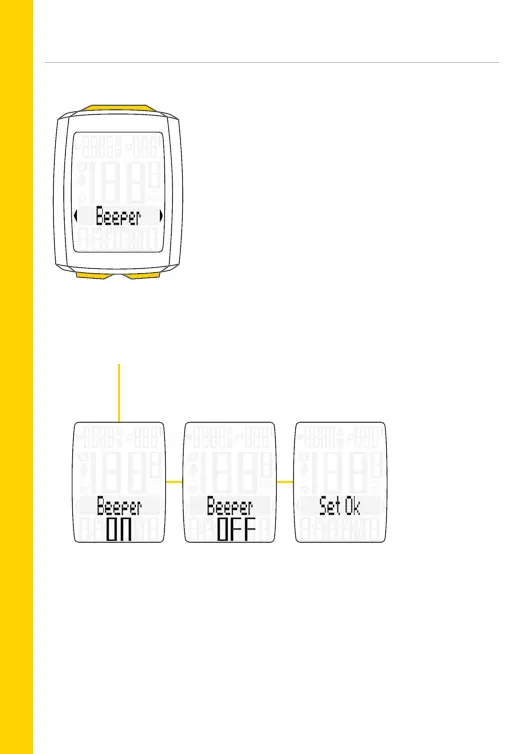
Setting the beeper: ON/OFF
– Open the menu:
Press and hold the SET button
– Scroll from Total values to Settings:
Press the BIKE or TPC button
– Open the settings menu:
Press the SET button
– Scroll to Beeper in the menu:
Press the BIKE or TPC button
– Start the setting:
Press the SET button
– Change the setting:
Press the BIKE or TPC button
– Confirm the selection:
Press the SET button
– Exit the settings menu:
Press and hold the SET button



 To Next Page