Menu operation
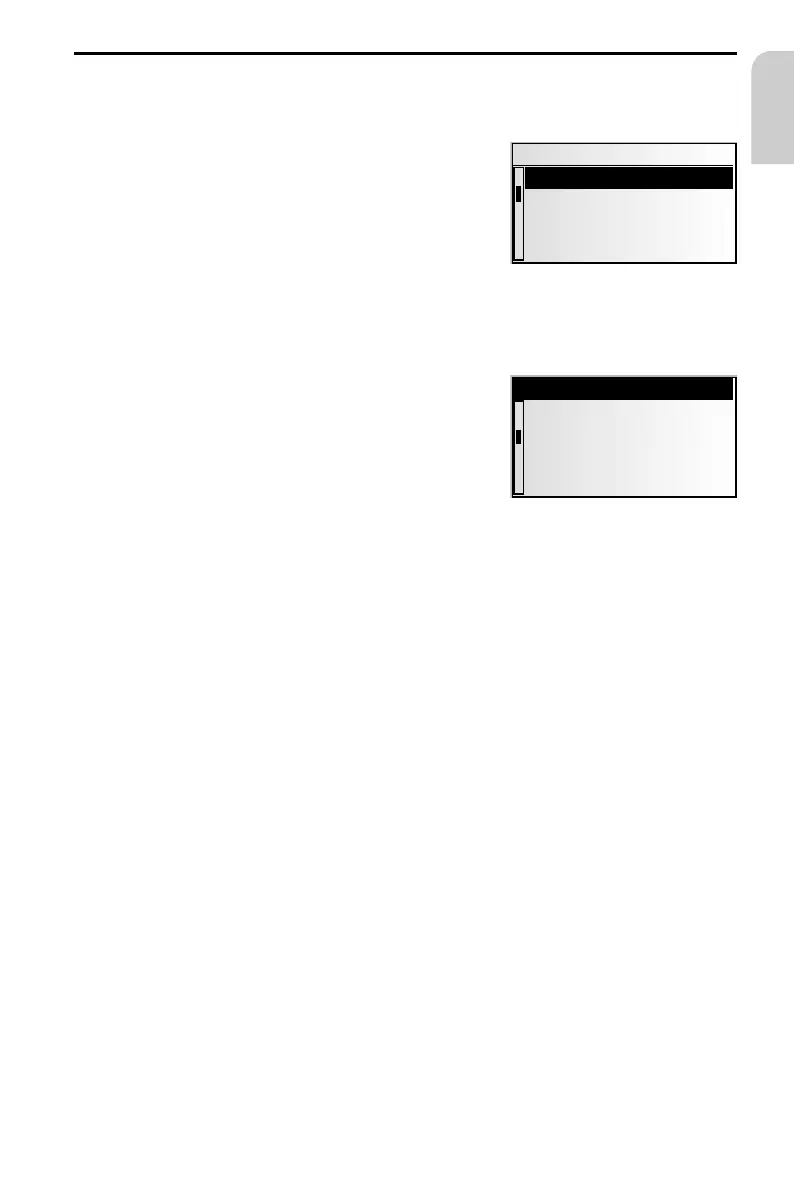
Cursor
The currently selected line or field on the screen is
designated as the cursor. The cursor is identified by
an inverse field (white letters on black background).
☞
Move the cursor using the cursor buttons 8, 2,
4 or 6.
☞
Confirm your selection by pressing the OK button.
:
To confirm, the cursor will be displayed briefly as
a frame around the selected field.
Currently non-available options appear grey.
Scroll bar
All menus display a scroll bar on the left side of the
screen. It shows the part of the menu in which to find
the cursor.
☞
Move the cursor to a menu entry at the top or
bottom of the screen using cursor button 8 or 2.
☞
Press the same button again.
:
The screen automatically displays the next menu
items.
In all menus except the main menu, the menu title changes to the option “Return“or
“ QUIT“, when you move the cursor to the top of the screen.
☞
Confirm “Return“ or “ QUIT“ with the OK button to quit the menu,
or
☞
press cursor button 8 again to move upwards in the menu.
25
OPERATION
English
Menu title
Active option 2
Active option 3
Active option 4
Active option 5
Active option 1
Active option 2
Active option 4
Inactive option 3
Quit



 To Next Page