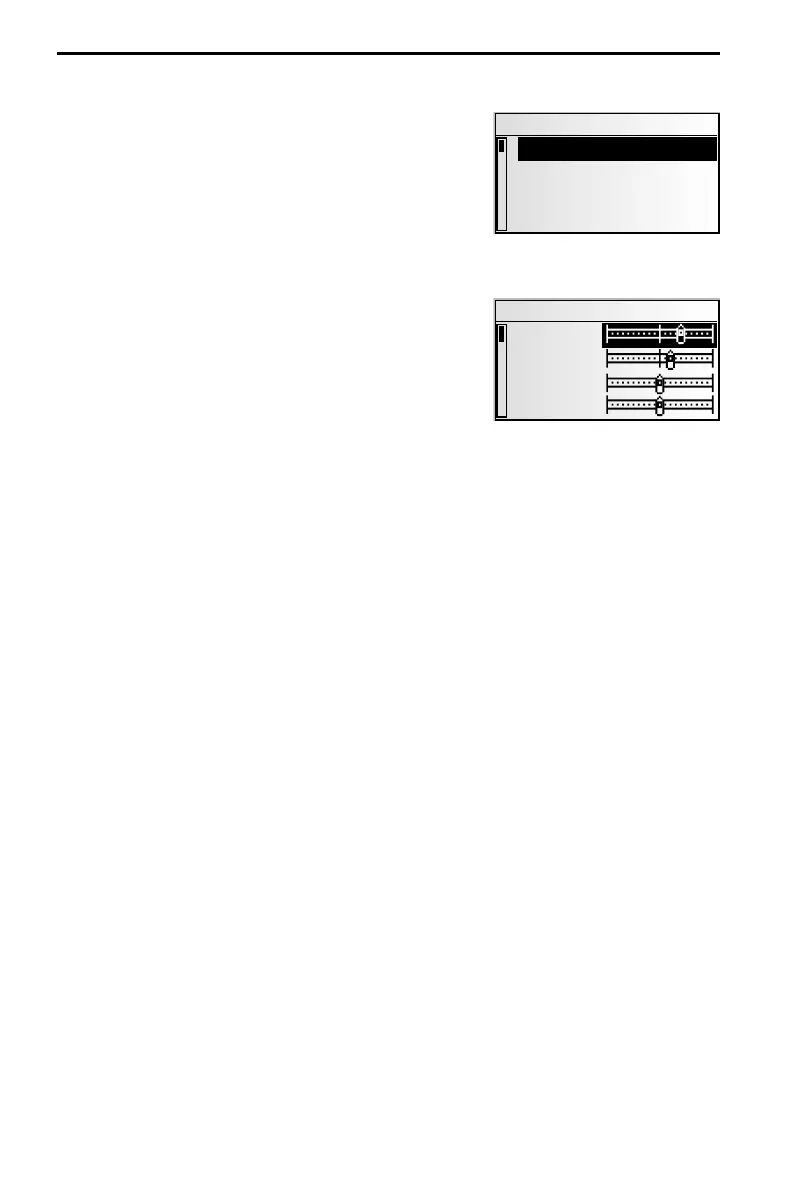
The “SOUND” menu
In the “SOUND“ menu, you can set your navigation
radio’s sound and several other sound reproduction
parameters to your own preferences.
☞
Press the SOUND button.
:
The “SOUND“ menu is displayed.
The following options are available:
Sound settings
☞
Set the desired option with cursor button 8 or 2.
☞
Move the slide control to the desired option using
cursor buttons 4 and 6.
The entered value will be stored automatically.
–
Bass: Setting the bass (low tones).
–
Treble: Setting the treble (high tones).
–
Balance: Setting of volume balance
left right.
–
Fader: Setting the volume distribution rear front.
Slide control left: rear
Slide control right: front
Bass and treble setting are adjusted separately for each sound source.
Loudness
☞
Activate this function to increase low and high tones at low volume settings.
Sound Style
☞
Select one of the pre-set tone types.
☞
Select “User“, to retain your own bass and treble settings.
For each sound source, the tone type is stored separately.
GALA (speed-dependent volume increase)
☞
Choose a setting for the speed-dependent increase of the volume.
☞
Select OFF to deactivate the function or 1 ... 5 to choose the desired volume increase.
1 is the lowest, 5 the highest volume increase.
SOUND SETTINGS
30
SOUND
Sound Settings
Loudness
Sound Style
SDVC: 2
SOUND SETTINGS
Bass
Treble
Balance
Fader



 To Next Page