CD player
You can play 12 cm audio CDs on your CD player.
A
We strongly recommend playing only 12 cm CDs. Please do not use 8 cm CDs (neither
with nor without adapter).
A
On no account must unusually-shaped CDs be inserted into the player. If you ignore
these recommendations, you risk damaging your unit.
CD playback
If the unit is not yet in CD mode:
☞
Press the CD button.
:
Playback of the inserted CD will be continued at
the spot last played.
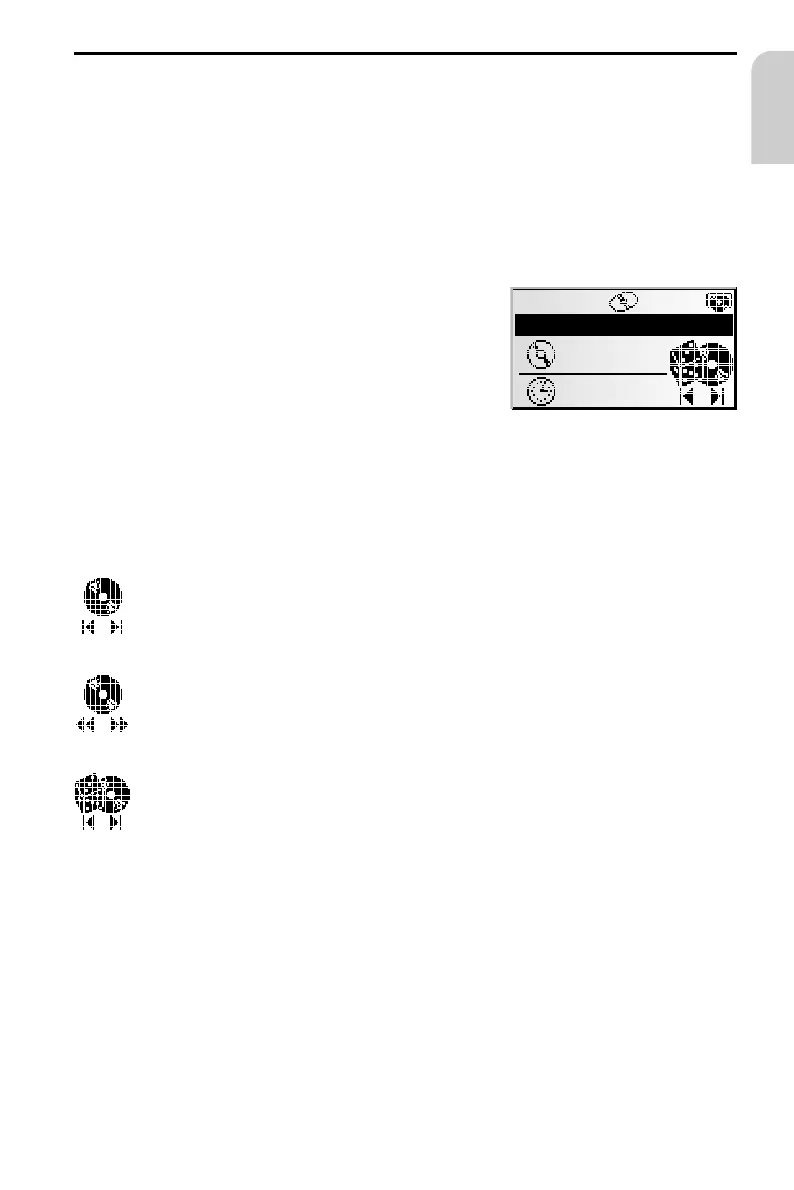
Selecting a function
Select one of the following CD player functions
(Example: user mode “Expert”):
1. Press OK once or several times to select the desired function.
2. Press 4 or 6 to execute the selected function.
Selecting a specific title (previous/next)
If you press 4 once after the first 10 seconds of a track, the CD player jumps
to the beginning of the current track.
Fast forward/backward search
Press OK to stop the quick search. When this function is executed, you will
hear the CD at a high speed.
Random play of tracks
The tracks on the inserted CD will be played in random order.
35
CD PLAYER
English
CD PLAYER Rnd.
TA
10:44
T12
00:38



 To Next Page