Radio
Listening to radio
If the unit is not yet in radio mode:
☞
Press the TUNE button.
Select waveband
In radio mode:
☞
Press the BAND button.
☞
Select the desired waveband and press OK.
Setting stations
Stations can be set or sought in various manners
(Example user mode “Expert“):
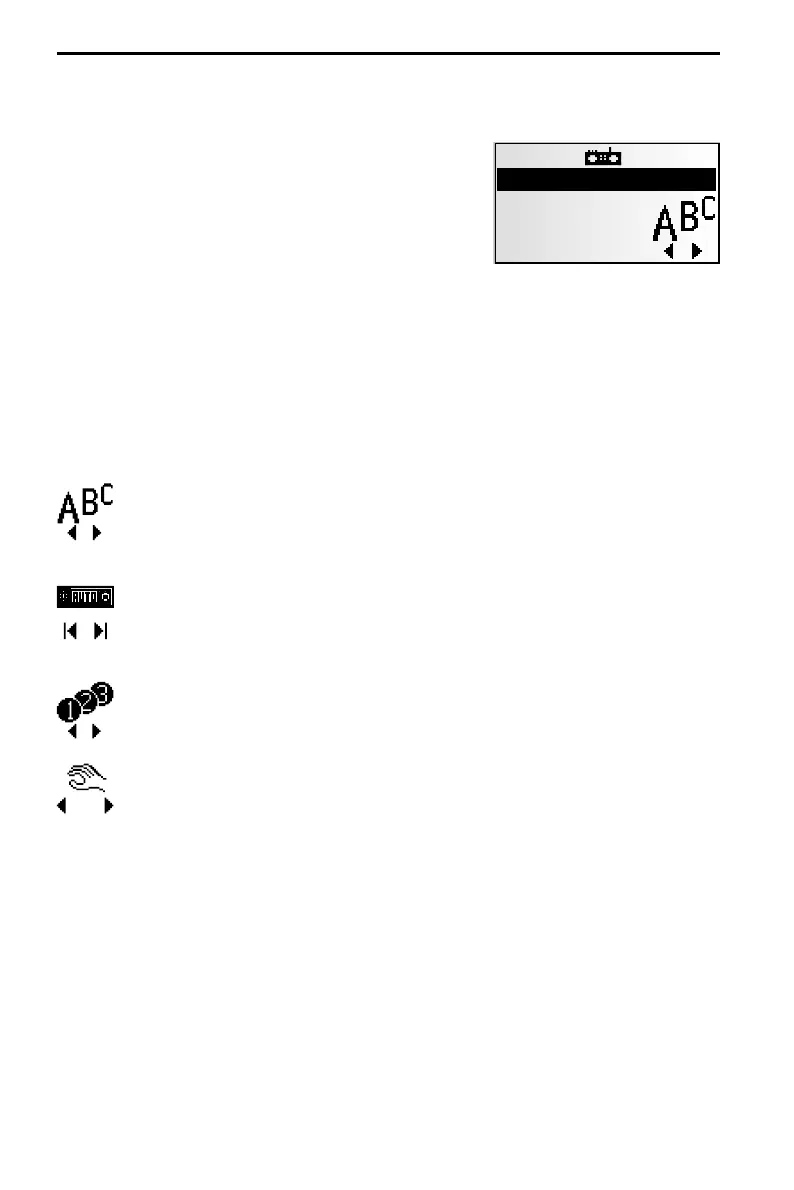
1. Press OK once or several times to select the search mode.
2. 4 or 6 to start the selected search mode.
Recall RDS stations by name (only for FM)
The stations are sorted alphabetically.
If you hear an error message:
Refresh the station name list by activating “RDS Memo.” ➽ next page.
Automatic search
The radio searches for stations with strong signals.
If “Traffic Programme” is activated, the radio will search only for stations
from which traffic announcements can be received.
Tuning to a stored station
Select one of the stations already stored manually or using autostore.
Setting frequency manually
(if “Manual tuning” is activated. ➽ next page.)
After 50 seconds or after the selection of another tuning method, the radio
will switch back to automatic frequency tuning.
32
RADIO
RADIOFM
13:29
105.9
Radio 1



 To Next Page