NAVIGATION
Entering a new address
An entry assistant will help you enter a new address. It will lead you step by step
through all the necessary entries such as country, city, road, house number or cross-
roads and desired routing criterion.
1st Step: Country
☞
Select “New address“ in the destination input
menu.
:
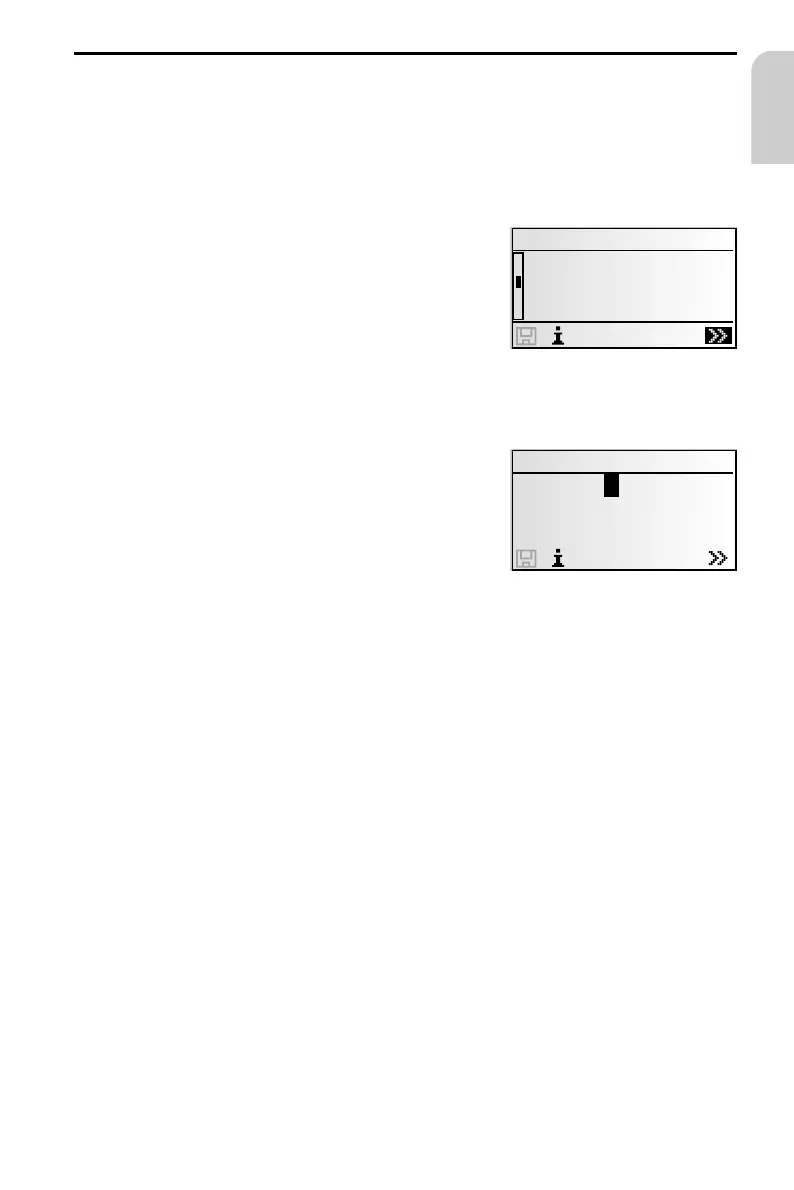
The list of countries stored on the current map CD
appears.
The country selected during the last address input is
already marked, the cursor is positioned on “–“.
☞
Confirm with OK or use the ¯ symbol to select
the desired country from the list.
This option will be skipped if only one country is stored on the current map CD.
2nd Step: City
:
The display automatically shows “City:“ and the
typewriter window, the name of the last destina
-
tion city is already displayed.
☞
If you want to enter a destination address in the
city shown, simply select “–“.
or:
☞
Enter a new city name via the “typewriter”.
or:
☞
Select the ¯ symbol and choose an entry in the database.
If several database entries have the same name, the cursor is automatically placed
onto the ¯ symbol. Select the desired entry type from the list.
If there is a large number of possible entries, it may take several seconds to build
the list.
☞
Confirm your selection with “–“.
3rd Step: Road
:
The entry assistant automatically jumps to the input menu “Road:“.
☞
Enter the name of the street using the “typewriter” or select a name from the list
using ¯.
43
English
Country
¡ ¯£ ®
DEUTSCHLAND
¥ENGLAND
ESPAÑA
City:_
¡ ¯£ ®
ABCDEFG IJKLMNOPQ
RSTUVWXYZ..
H



 To Next Page