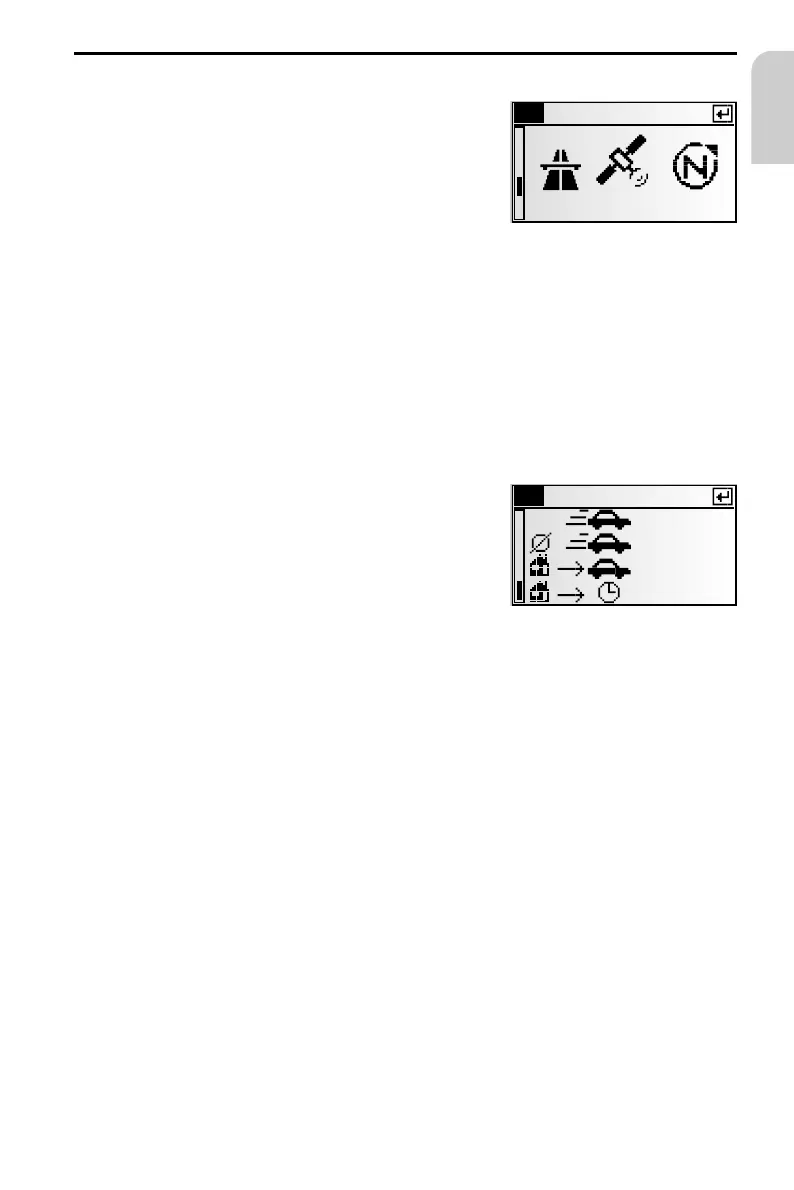
i3 System info
Display of the following information:
1. Route planning criterion selected:
–
C: Fastest
–
V: Shortest
–
N: Main roads
–
M: No main roads
2. GPS reception status:
Displays the number of GPS satellites received.
With an unobstructed view of the sky, up to 8 satellites may be displayed.
3. Current driving direction (compass). The arrow always points north.
4. Date and time
Change route planning criterion:
☞
Press OK to open the list of available route criteria.
☞
Select the desired criterion for the route selection.
i4 Travel
Info screen “Travel” displays the following infor-
mation:
–
Current speed
–
Average speed
–
Distance travelled
–
Time travelled
Resetting values:
☞
Press OK.
☞
Confirm the deletion with “Yes“.
☞
All values on info screen “Travel” are reset to 0.
Speed warning:
You can enter a speed above which an alarm will sound. To set the speed limit, see
“Speed” on page 61.
NAVIGATION
53
English
i3 System info
26.06.2001 8:12
7
i4
Travel
55 km/h
36 km/h
435 km
12:08 h



 To Next Page