DGBD GB
Preface
Congratulations
With your selection of a VDO computer you have opted for a technically very high quality appliance.
In order to fully benefit from the potential of the computer, we recommend that you carefully read this
manual. It contains all operating instructions and many other useful tips.
We hope you enjoy cycling with your VDO bike computer.
Cycle Parts GmbH
Pack contents
Please first check that this pack is complete:
Table of contents
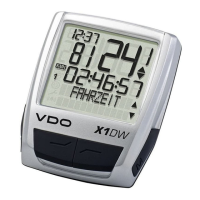
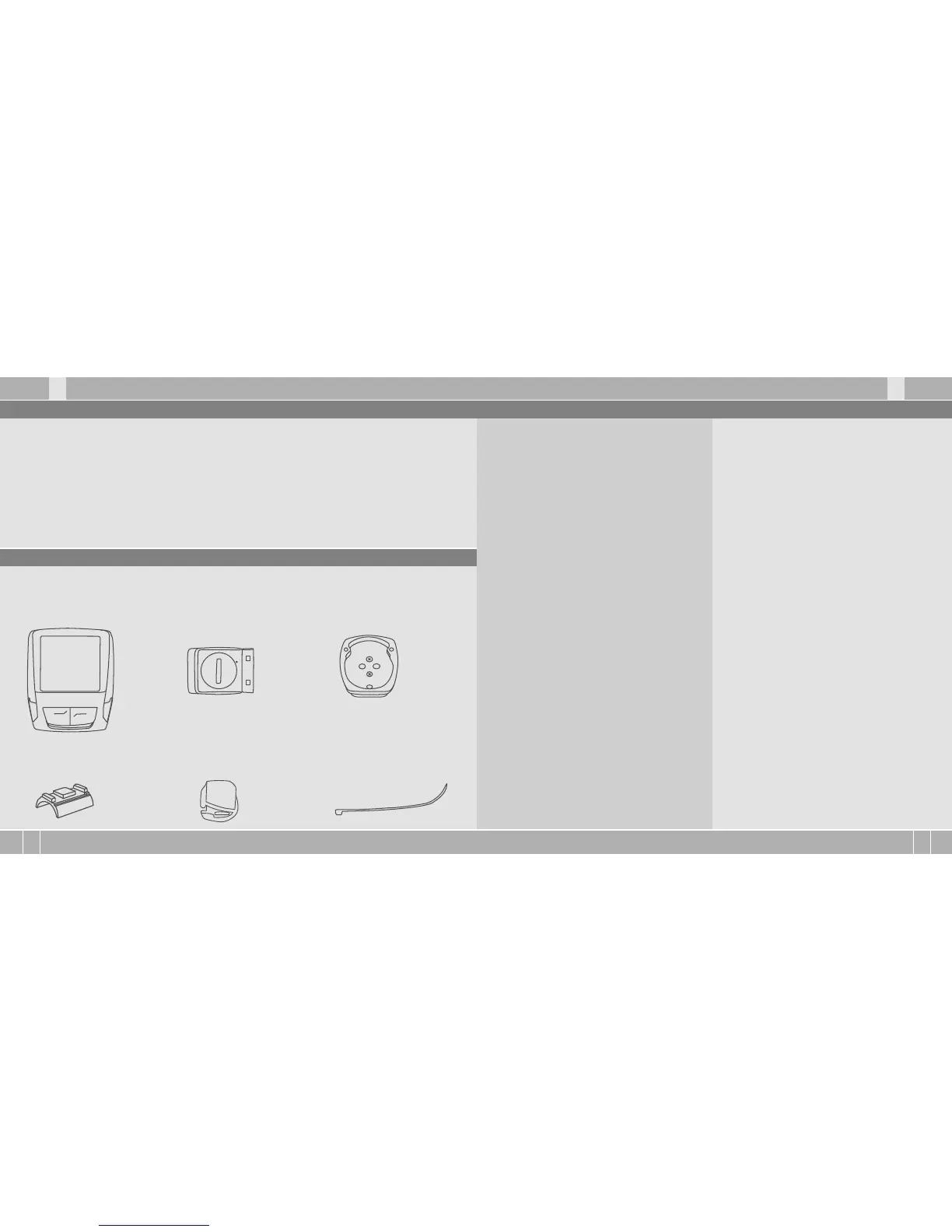
1 VDO computer
Battery installed
1 universal handlebar holder
1 speed transmitter
Battery installed
1 rubber pad
for transmitter
1 spoke magnet
(clip magnet)
cable ties
for fitting the holder
and transmitter
1. Display 26
2. Operation 28
3. Functions 29
3.1 Information functions 29
in function mode
3.2 Cadence option 30
4. Installation 30
4.1 Fitting the transmitter, magnet 30
and handlebar holder
4.2 Switching on the computer 31
for the first time
4.3 Installing the battery in the computer 31
4.4 Language setting 32
after battery change
4.5 Placing the computer into 32
the handlebar holder
4.6 Transmitter pairing 33
5. Basic settings 33
5.1 Setting the language 33
5.2 Setting and measuring the wheel size 34
5.2.1 Select from tyre table 34
5.2.2 Setting using wheel circumference 35
5.3 Setting the clock 37
5.4 Setting the total kilometres 37
5.5 Switch from bike 1 to bike 2 38
5.6 Service interval display
38
5.7 The navigator 39
5.8 Sleep mode 41
5.9 Reset functions 42
6. Terms of guarantee 43
7. Troubleshooting 44
8. Technical spezifications 45
„>>> P02“ links at the beginning of a chapter
are related to the respective picture in the
picture book!


 To Next Page
 Loading...