Vector Lab Products Refrigerators and Freezers 15
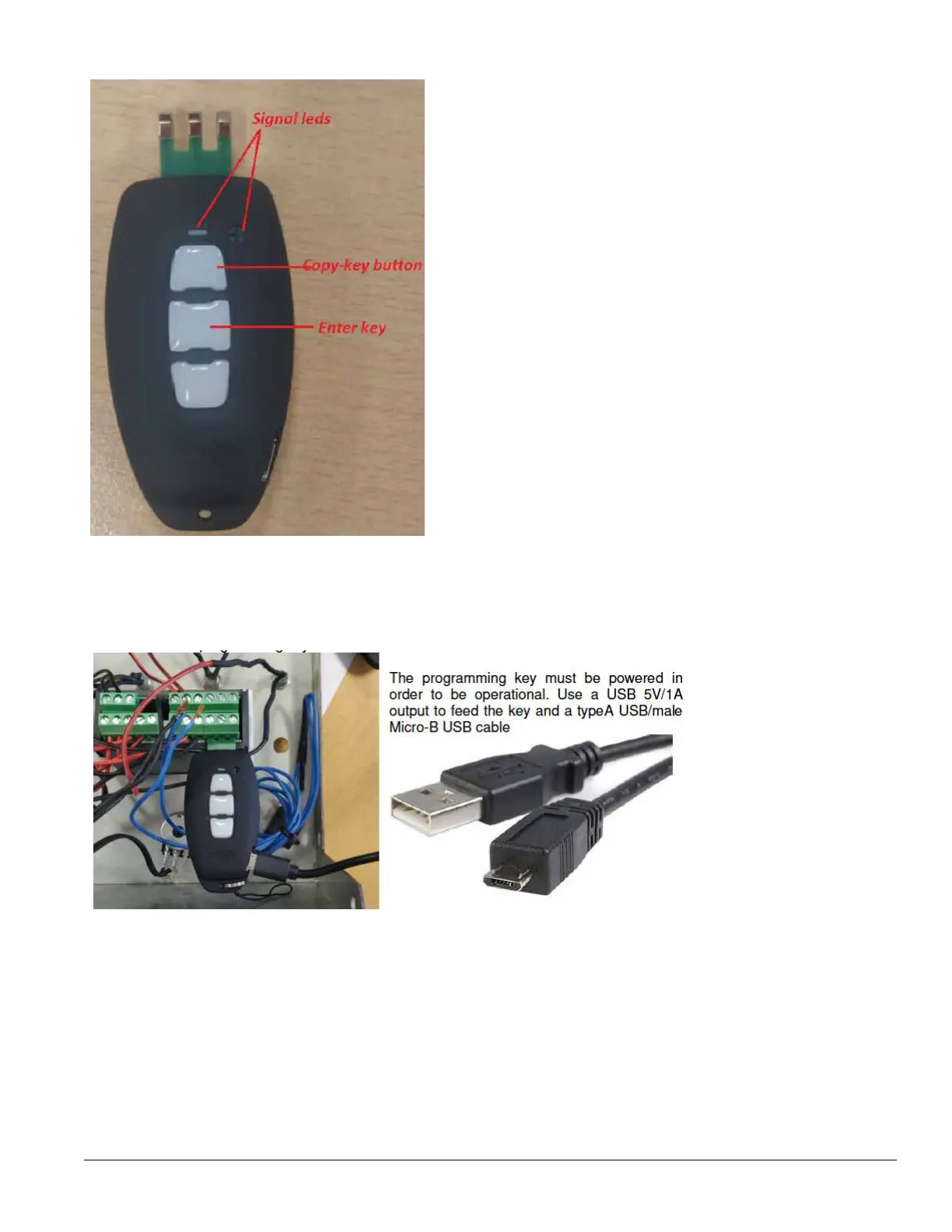
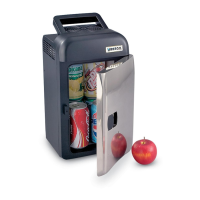
Controller EV3294- Programming by programming-key
Dowload the parameters from the programming-key to the controller
1. Firstly make sure that the main switch is turned off and the controller is not powered. The controller has
removable screw-connection terminals blocks so unscrew at the maximum openings the screw connectors
n. 11-12-13 where the temperature probes are wired and remove the cables.
2. Insert the programming key in the controller terminals n.10-11-12:


 To Next Page