63
7 Setup with PACTware
VEGAPULS 62 • Probus PA
36505-EN-181127
7 Setup with PACTware
7.1 Connect the PC
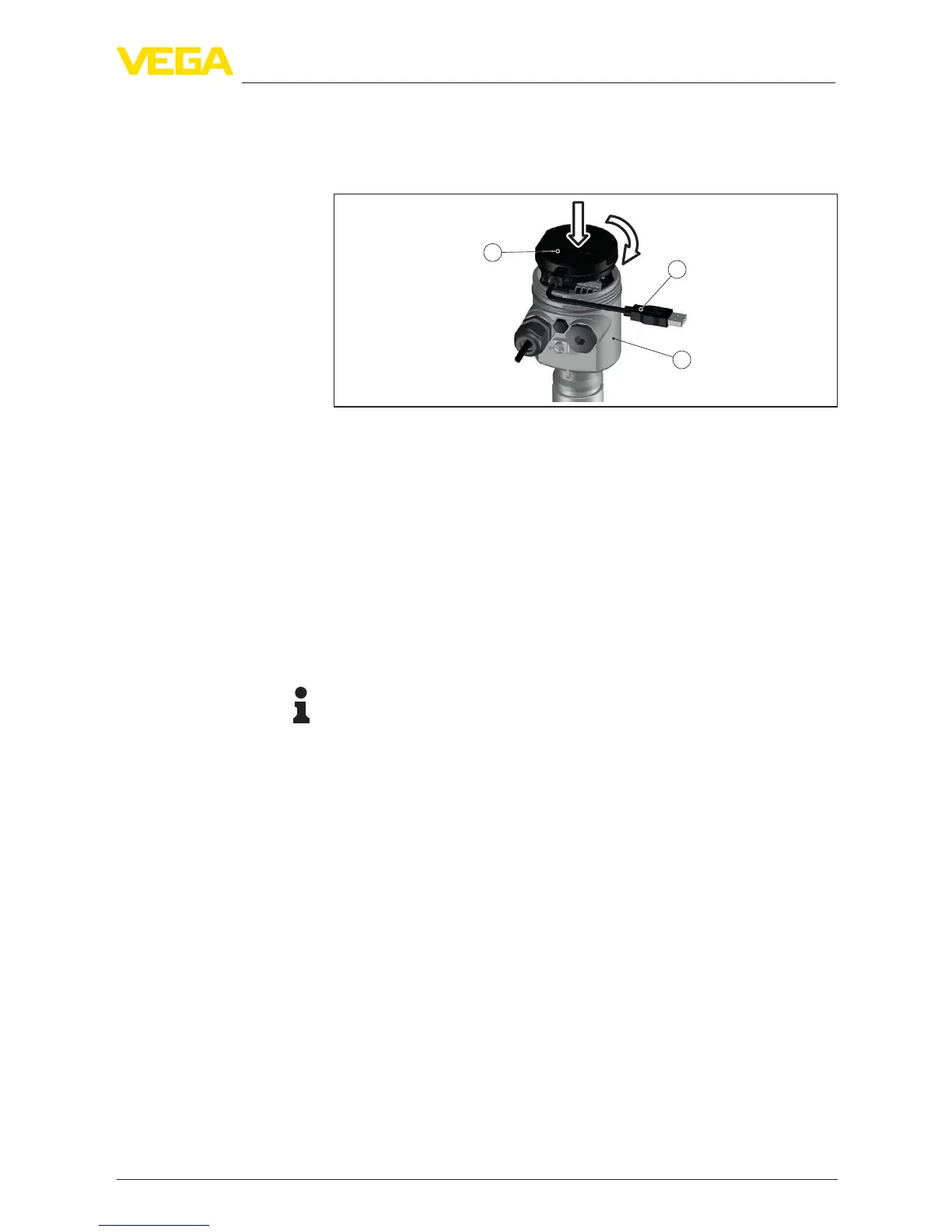
3
1
2
Fig. 39: Connection of the PC directly to the sensor via the interface adapter
1 USB cable to the PC
2 Interface adapter VEGACONNECT
3 Sensor
7.2 Parameter adjustment
For parameter adjustment of the instrument via a Windows PC, the
conguration software PACTware and a suitable instrument driver
(DTM) according to FDT standard are required. The latest PACTware
version as well as all available DTMs are compiled in a DTM Collec-
tion. The DTMs can also be integrated into other frame applications
according to FDT standard.
Note:
To ensure that all instrument functions are supported, you should
always use the latest DTM Collection. Furthermore, not all described
functions are included in older rmware versions. You can download
the latest instrument software from our homepage. A description of
the update procedure is also available in the Internet.
Further setup steps are described in the operating instructions manu-
al "DTM Collection/PACTware" attached to each DTM Collection and
which can also be downloaded from the Internet. Detailed descrip-
tions are available in the online help of PACTware and the DTMs.
Via the interface adapter
directly on the sensor
Prerequisites





 To Next Page