EasyManua.ls Logo

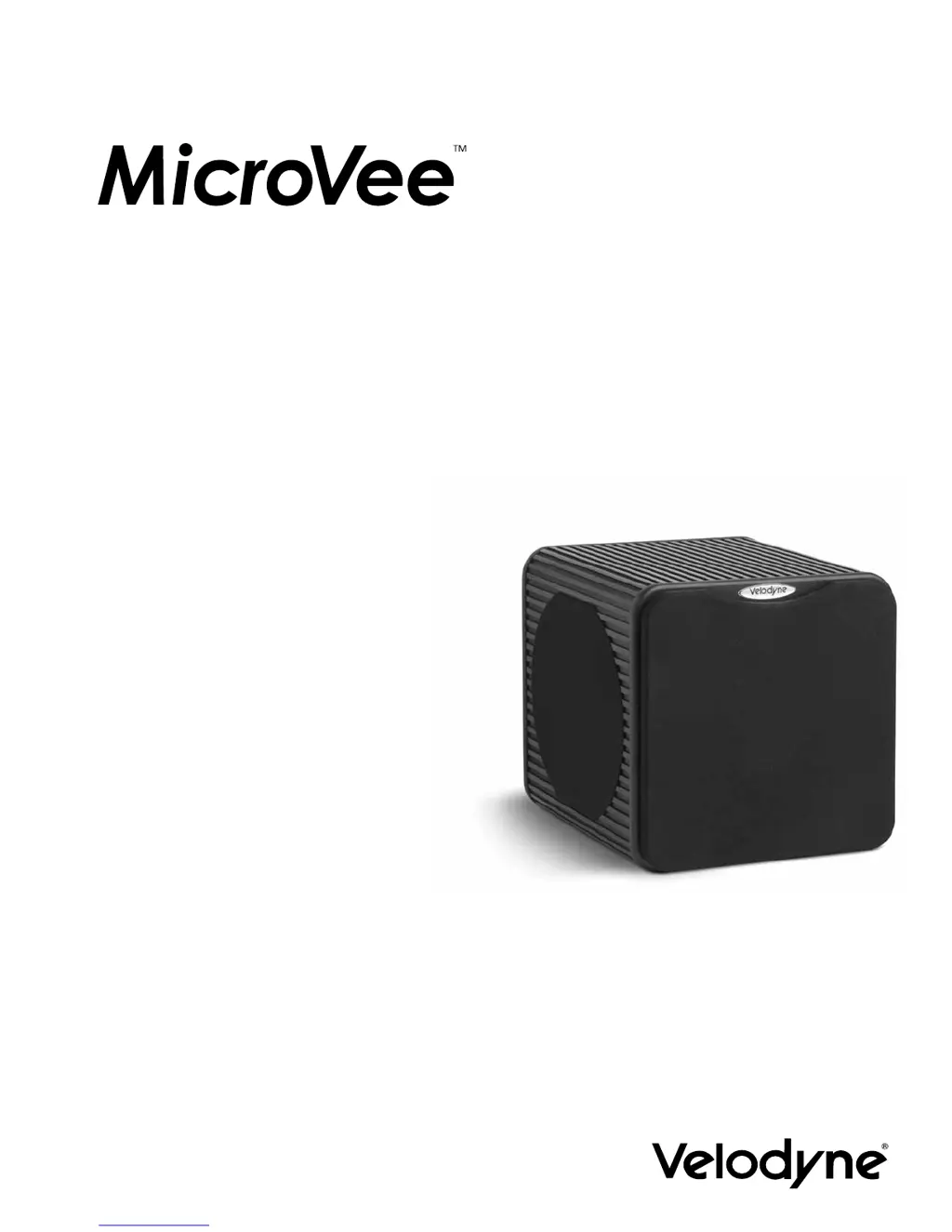
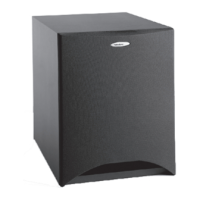
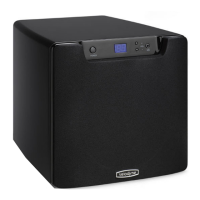
Velodyne MicroVee - User Manual

Velodyne MicroVee
24 pages
Print Icon
To Next Page IconTo Next Page
Loading...
Audio/Video Subwoofer System
120V/230V
USER’S MANUAL

Other manuals for Velodyne MicroVee

Questions and Answers

  • R
    Regina SmithJul 26, 2025
    How to turn on Velodyne MicroVee?
    • T
      Timothy FischerJul 26, 2025
      If your Velodyne Subwoofer is not powered on, ensure that the unit is properly plugged into an active power outlet and that the power switch is in the 'on' position.
  • L
    lindsay75Aug 9, 2025
    Why did my Velodyne MicroVee Subwoofer amplifier overheat?
    • C
      Christian ColemanAug 9, 2025
      If your Velodyne Subwoofer amplifier overheated, it might be due to running the unit at high levels. In this case, one of the protection circuits may have engaged.

Summary

Important Safety Instructions

Congratulations

Placement of Your Subwoofer

Installation

Inputs

Explains line-level, speaker-level, and mini-jack input types for connection.

LFE Connection - Option A

MINI-JACK Connection - Option B

Speaker-Level Connection - Option C

Interconnect Cables

Care of Your Subwoofer

Protection Circuitry

Troubleshooting and Service

Specifications

Velodyne Products

Velodyne MicroVee Specifications

General IconGeneral
Weight20 lbs
Phase0 or 180 degrees
Enclosure TypeSealed
InputsLine-level
FinishBlack
Driver Size6.5 inch forward firing, 2 x 6.5 inch passive radiators
Low Pass Crossover50 Hz - 200 Hz (12dB/Octave)

Related product manuals