14
Only in LITE Uno and
LITE Kubo chargers
*
Only for
ADMINISTRATOR users
*
Only for
ADMINISTRATOR USERS
*
Choose the other users that can associate the charger to their account and the control you want
to have over this process. Consult the 5. USERS AND PROFILES section of this USER GUIDE to see
the dierent available prole types, and what each one can do.
You can choose between three dierent types:
Choose how to lock the charger and prevent anybody apart from yourself from using your
device without permission. There are three types of lock control:
Changes in these settings will have no eect on users who already had the charger associated
to their account before the changes were made.
3- Automatic update
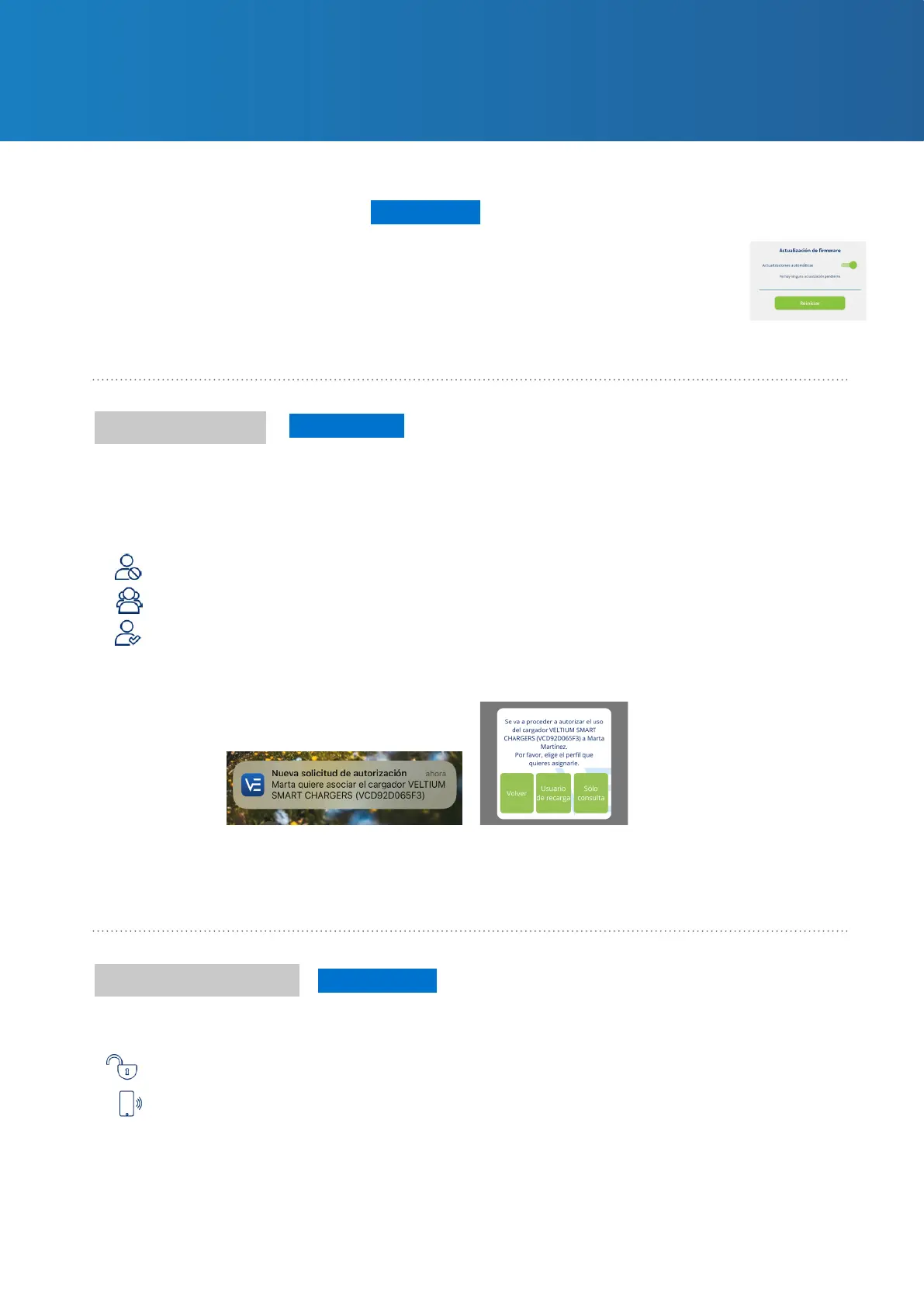
You can also activate the Automatic updates function enabling the charger
to update the rmware automatically when a more recent version than the
one you have installed becomes available. This feature will only run when the
charger is in AVAILABLE mode, never when the vehicle is connected or while
recharging.
User access
Lock control
NOBODY: No users can associate the charger to their account.
EVERYBODY: Any user can associate the charger to their account.
AUTHORISATION: When a user tries to associate the charger to their account you
will receive an alert prompting you to authorise it. At this stage, as well as giving your
authorisation, you can dene the user prole you want to assign to them: charge user
or query user.
FREE: The charger will always be unlocked (and anybody can use it).
PROXIMITY: The charger will be locked until you approach it. To unlock the charger
you must have your mobile phone with you and the VELTIUM App must be at least
running in the background, i.e. it must not be closed. As you approach it, the charger
will unlock by connecting to the VELTIUM App using a Bluetooth connection; it can also
be remotely unlocked by means of an Internet connection (LITE Uno and Kubo).
7. MANAGING THE CHARGER
FROM THE VELTIUM APP



 To Next Page