10 VELUX VELUX 11
Menu
Locate
Menu
Locate
Menu
Locate
P1
P2
P1
P2
31
2
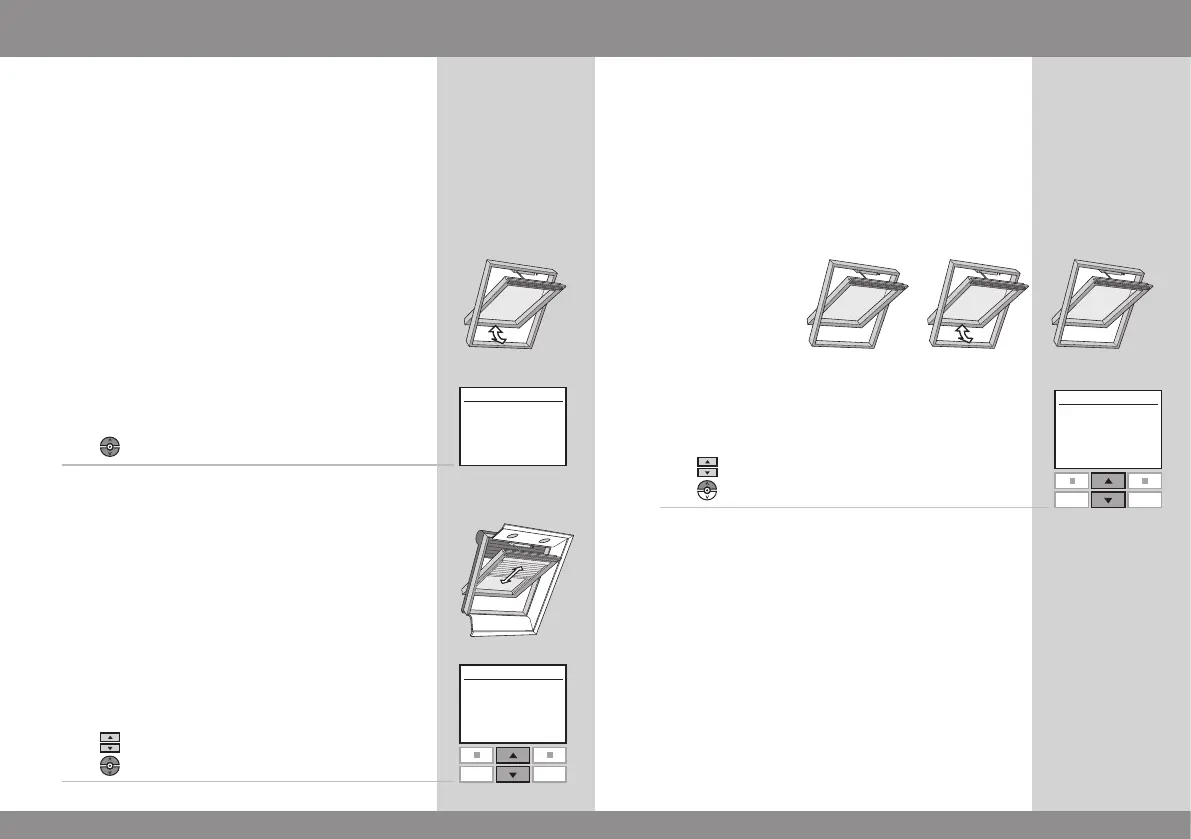
To be able to operate a product (eg a blind), you first have
to locate the product in question in the display.
The examples show the easiest way to find the product
you want to operate.
One window
With one electrical product
The window is equipped with a window operator only and
therefore you do not have to locate the product first.
Press
to start operation.
With additional electrical products
The window is equipped with a window operator, a roller
shutter, a blind and frame lights.
The example shows how to locate and operate the blind.
Press
to find "Blind".
Press
to start operation.
Locating and operating a product
More than one window
With one electrical product
Three windows are equipped with window operators only.
The example shows how to locate and open window No. 2.
Press
to find window No. 2.
Press
to open the window.
Note: You can rearrange the order of the individual
Rooms, Groups, Zones or products displayed, see section
Rearranging order.



 To Next Page
 Loading...