70
HEAT
Old
out
Battery Replacement
The batteries must be replaced immediately when
the thermostat displays the Low Battery icon.
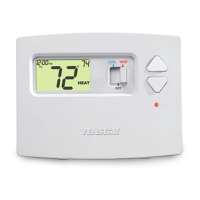
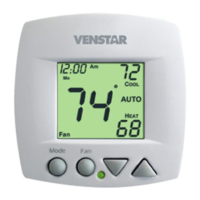
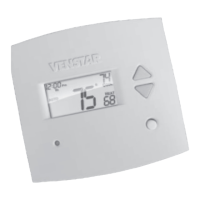
The batteries are easily accessible from the battery
slot located on the front of the thermostat (fig. 1). To
open the battery slot, press down on the battery
cover (fig. 1) and pull out (fig. 2).
Place the bottom hook of the battery cover into the
slot and snap closed (fig. 4).
Page 10
OWNER'S MANUAL
Remove the old batteries and replace with the new
AA alkaline batteries (fig. 3).
T0130
FIG. 1 FIG. 2
Press
down
Pull out
Battery
slot
FIG. 3
batteries
New
batteries
in
FIG. 4
Snap closed
Bottom
Hook
(Bottom View)
(Bottom View)



 To Next Page
 Loading...