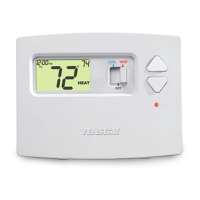
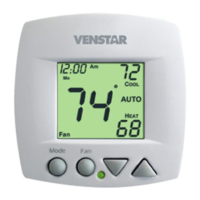
Remove the cover of the old thermostat.
If it does not come off easily check for
screws.
Loosen the screws holding the thermostat
base or subbase to the wall, and lift away.
Disconnect the wires from the old
thermostat. Tape the ends of the wires
as you disconnect them, and mark them
with the letter of the terminal for easy
reconnection to the new thermostat.
Keep the old thermostat for reference
purposes, until your new thermostat is
functioning properly.
Remove & Replace
Old Thermostat
Page 9
OWNER'S MANUAL
T0130
70
HEAT
70
HEAT
70
HEAT
70
HEAT



 To Next Page